


iOS Mobile App
IoT Integration Project
UI / UX Design

Transform your smartphone into the ultimate e-scooter hub with our app. Access the coolest features and control your ride like never before. Enjoy a seamless, hassle-free experience.
Ride Smart
E-Scooter APP
2023-3
Research
01
About
1-1
This app is designed to enhance the riding experience of the Rolley, an e-scooter manufactured by Scooterson. The goal is to ensure riders can effortlessly control and monitor scooters with just a few taps on their smartphone.
Challenge
1-2
The overall riding experience is complex, including:1.User interaction with the phone2.Interaction between rider and Rolley3.Interaction between the app and Rolley. This refers to communication and control between the application and the e-scooter. This complexity complicates app design as these interactions occur simultaneously. The app should not distract riders from safe riding, while still can enhance the riding experience.
The User Journey Mapping
User journey mapping helps identifying user pain points in various riding scenarios, guiding app feature priority.
1-3
Scenario
Behaviours
Experience
Expectation
App Design
Before Riding
Ready to start
Riding
After Riding
Plan the route and destionation
Find the vehicle
Position besides the vehicle
Check the vehicle’s physical condition
Retrack the kickstand
Unlock and start the vehicle
Check the battery capacity
Adjust the mirror
Reset the trip if necessary
Shift the level to Drive mode
Rotate the throttle to speed up
Check the speed
Check the battery if drain
Check instrument cluster
Park the vehicle
Power off
Lock the vehicle
Open the battery bin to change battery if necessary
Hand in keys to share if possible
Walk away








Excited at new journey

Struggling to find the vehicle
Unsure of the vehicle condition
Confused in starting the vehicle
Feels annoyed at unexpected errors
Feel enjoyable when riding
Easy control
feel disappointed at no navigation embeded.
feel accomplished after riding
feel troublesome to lock before leaving
inconvenient to swap battery and share the vehicle
Feel worried of being stolen
Locate the vehicle remotely
Unlock the vehicle before approaching
Maintenenance Alets
Battery status updates
Record the riding route
walk away directly after riding
reminder of tempering
friends can ride if owner not nearby
- Enable the vehicle can be ready before user approaching.
- Enable riders to monitor the vehicle remotely.
- Dont distract users from riding.
- Alert only when necessary
- Secure the vehicle when away
*the user journey is based on conventional scooter
Solution
1-4
This app aims to simplify the preparation process before riding the scooter , and It monitors the scooter after riding and ensure scooter's security.
User journey mapping helps prioritize app features based on different scenarios. Moreover, the app design serves as a companion throughout the entire riding experience.
Visual
02
Regular
Medium
Bold

2-1 Font
SF Pro Display
We use the iOS system font to minimize the app size, restricting font weight to three levels. However, the number font remains consistent with the instrument cluster display.
Design Token is applied to maintain a systematically organised design system.
2-2 Colour

#2D324F

#7088E5

#CCDBF0
60%
30%
10%
Colour, Hex
the colour ratio keeps 6:3:1 and it is the best proportion to achieve colour balance. The main color is derived from the scooter itself to maintain harmony and consistency between the virtual experience (app) and the real physical interaction (riding a scooter).



Effortless Vehicle Activation
03
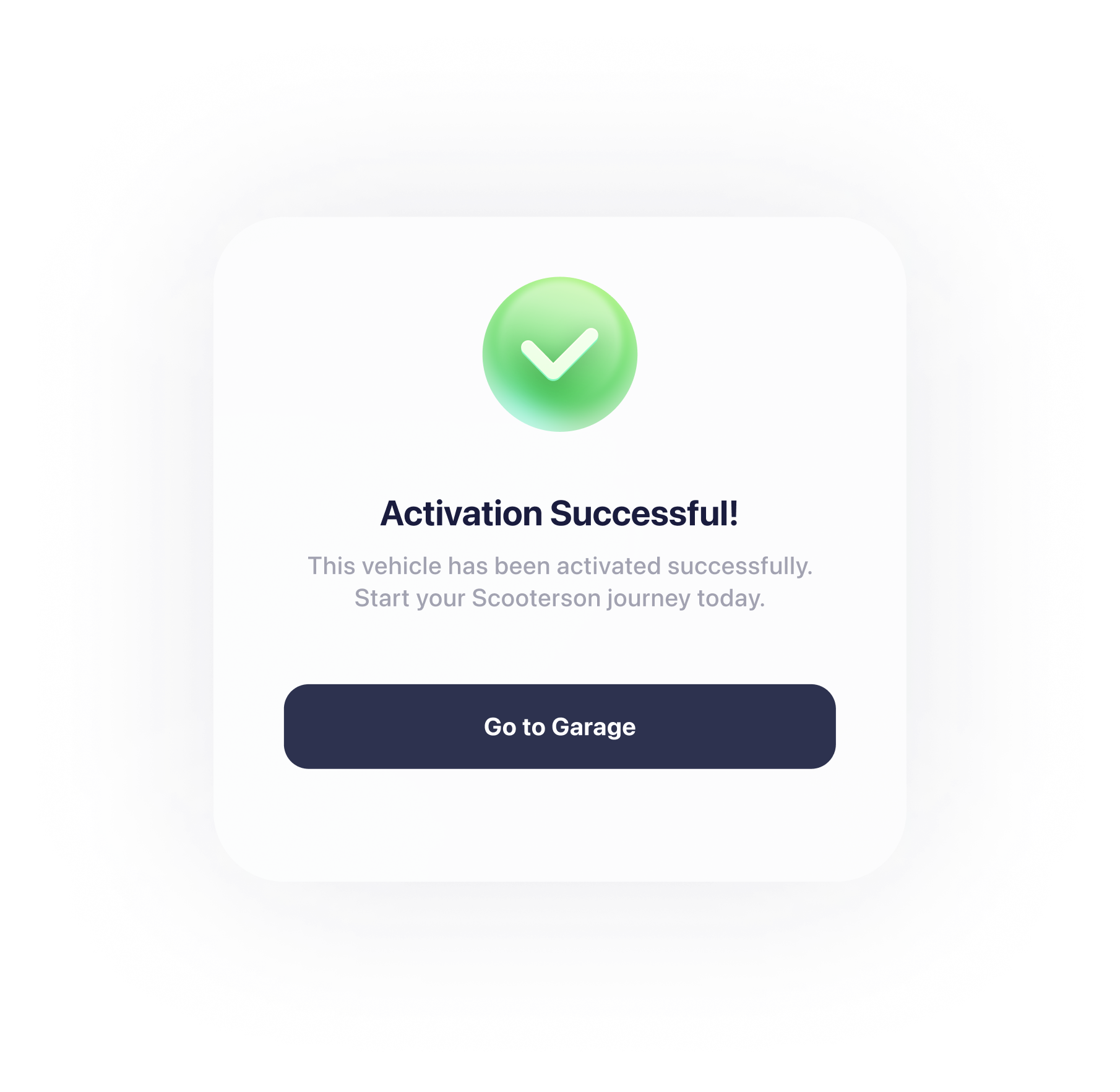
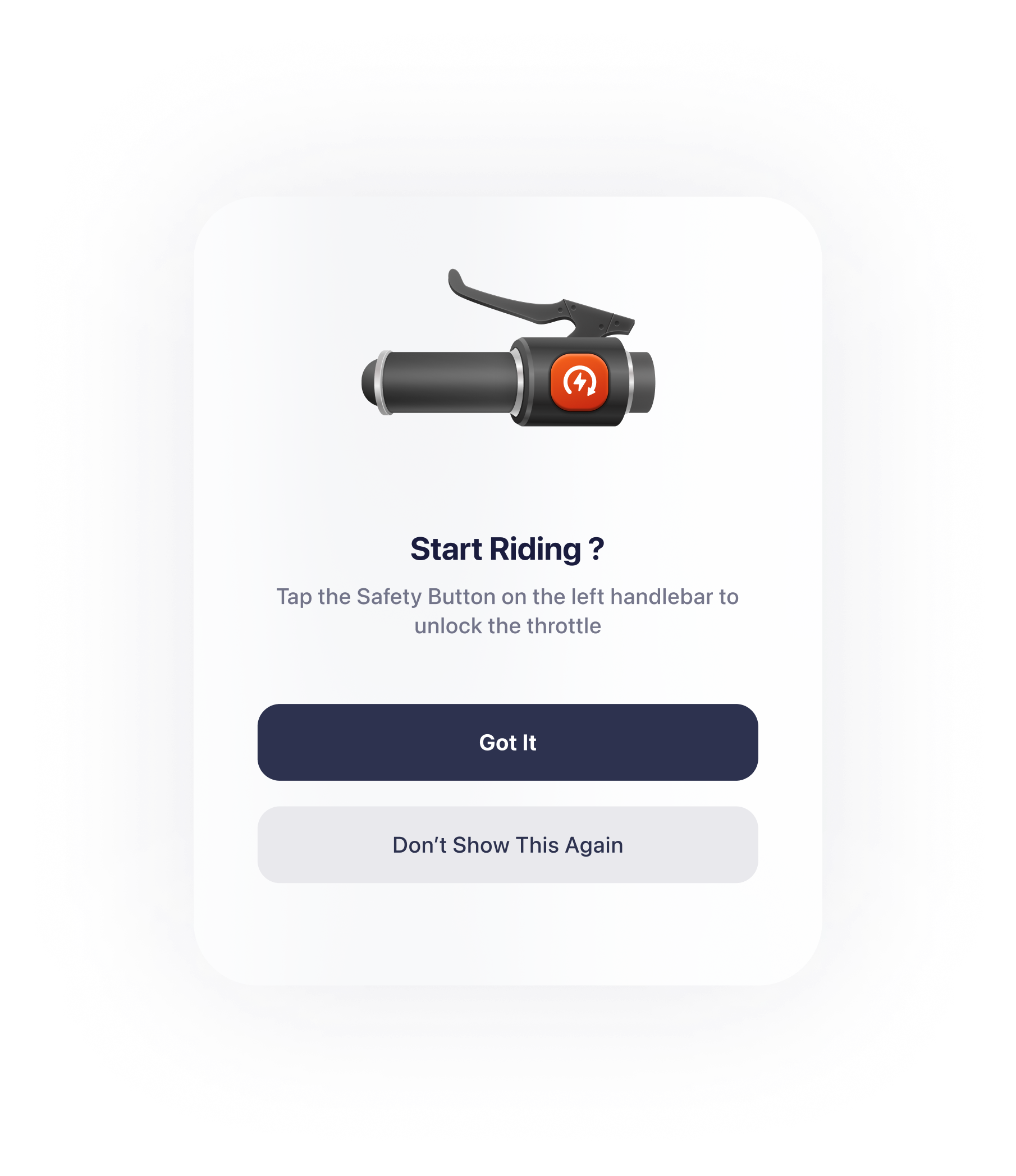
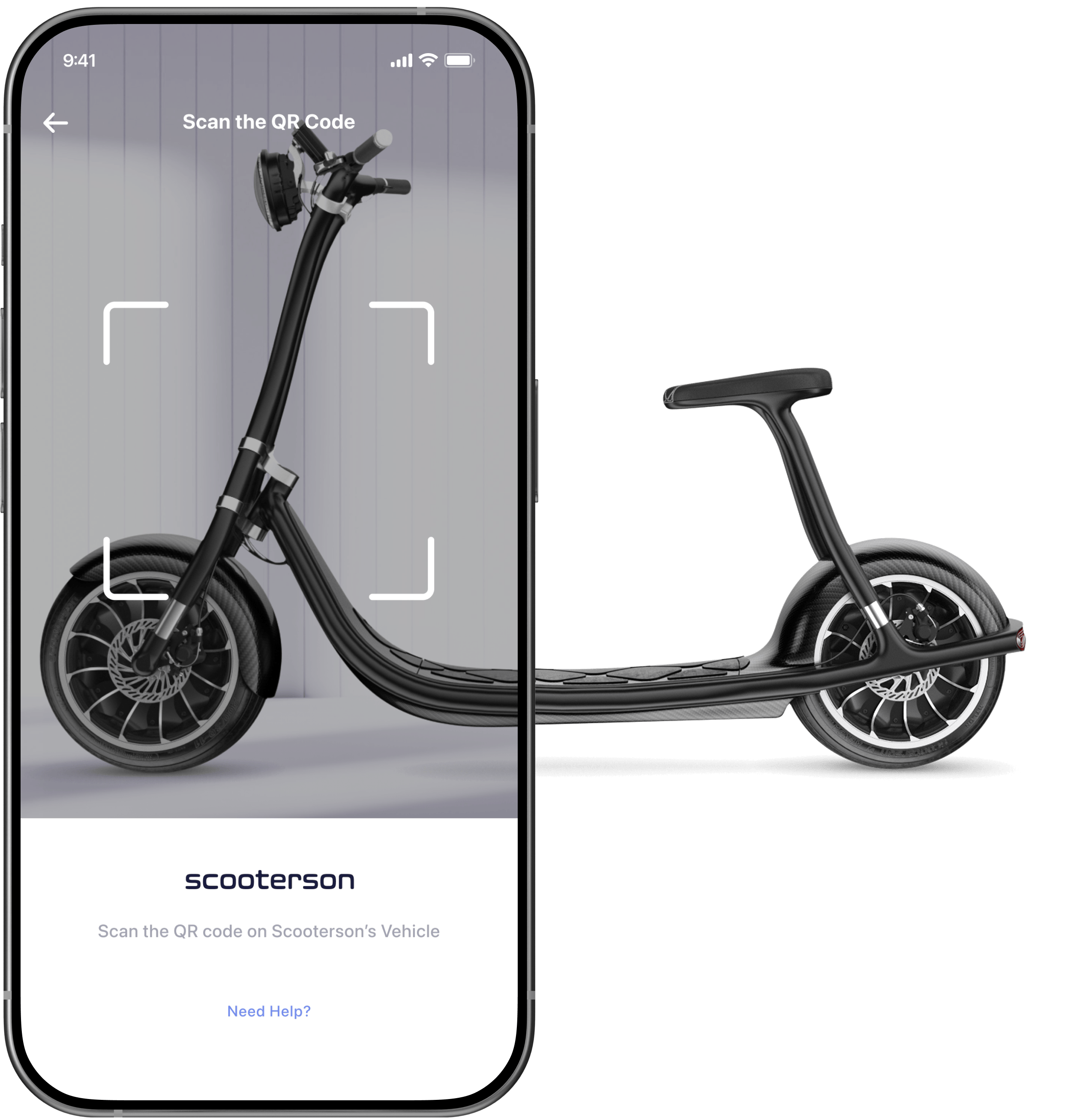
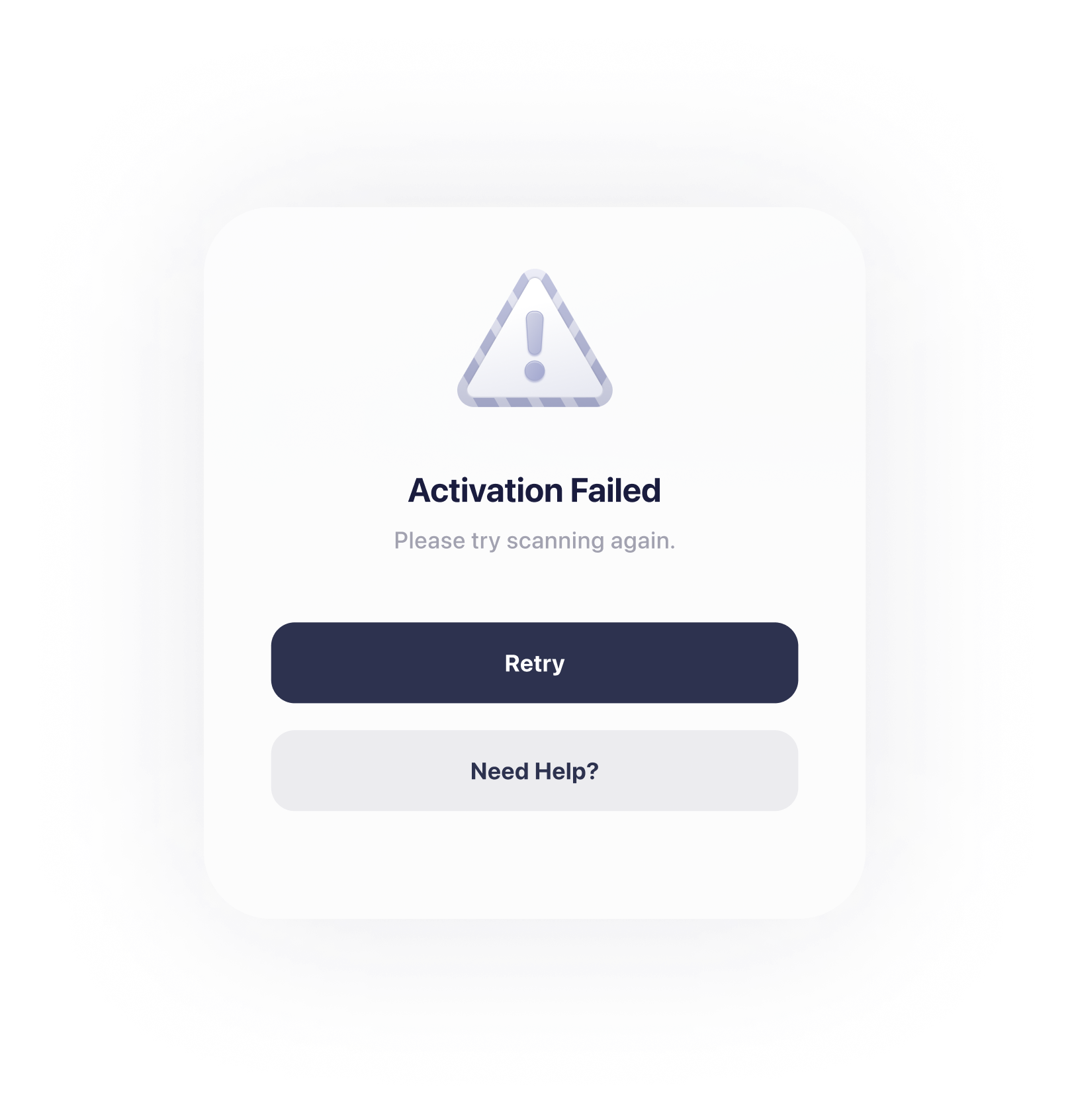
With the mobile app, activating Rolley has never been easier. Simply scan the QR code provided, and Rolley will come to life.
Easy to switch among vehicles
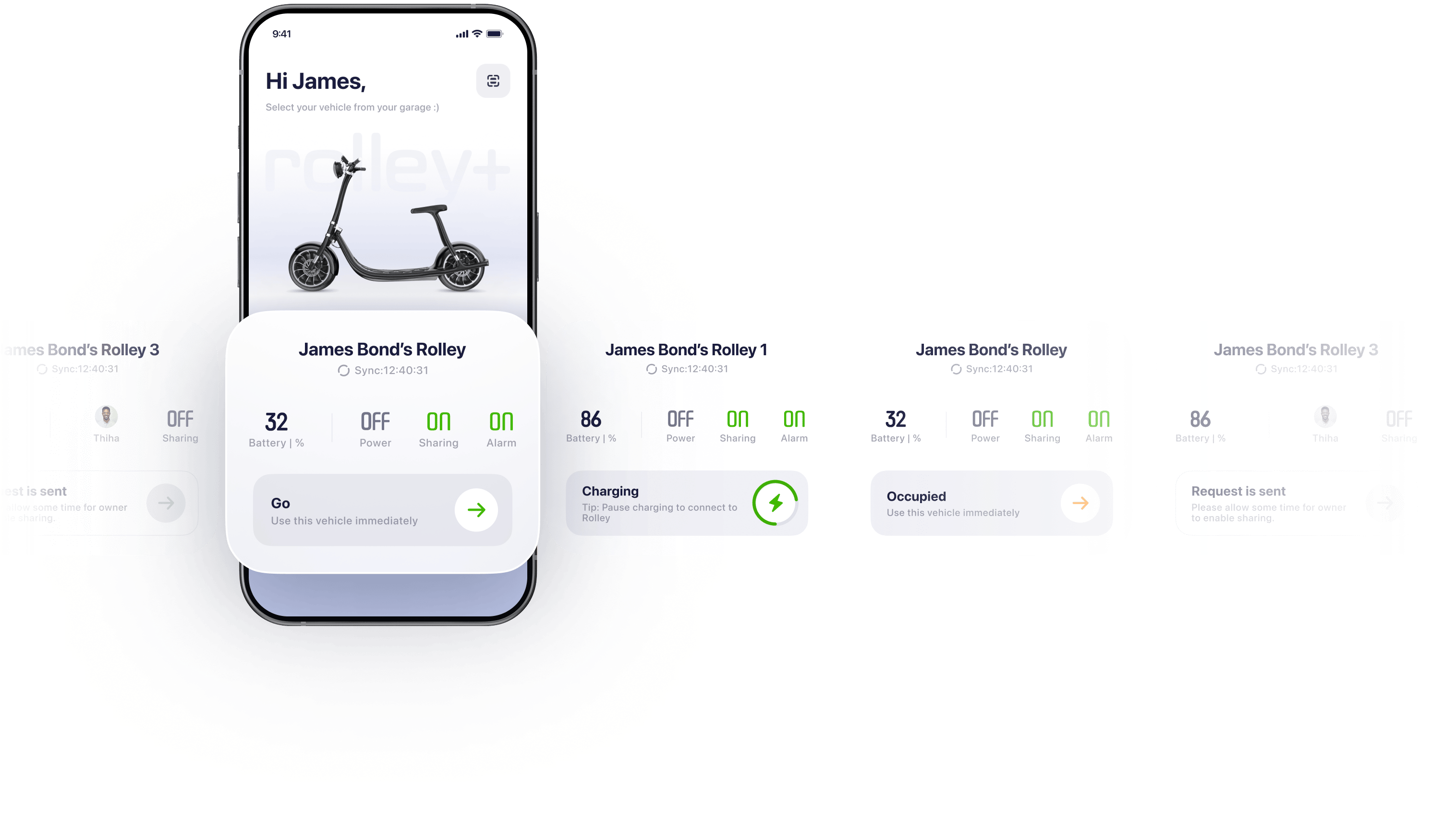
Riders swipe left or right to select vehicle.This conceptual mode aims to close the user mental mode, simplifying user learning process.

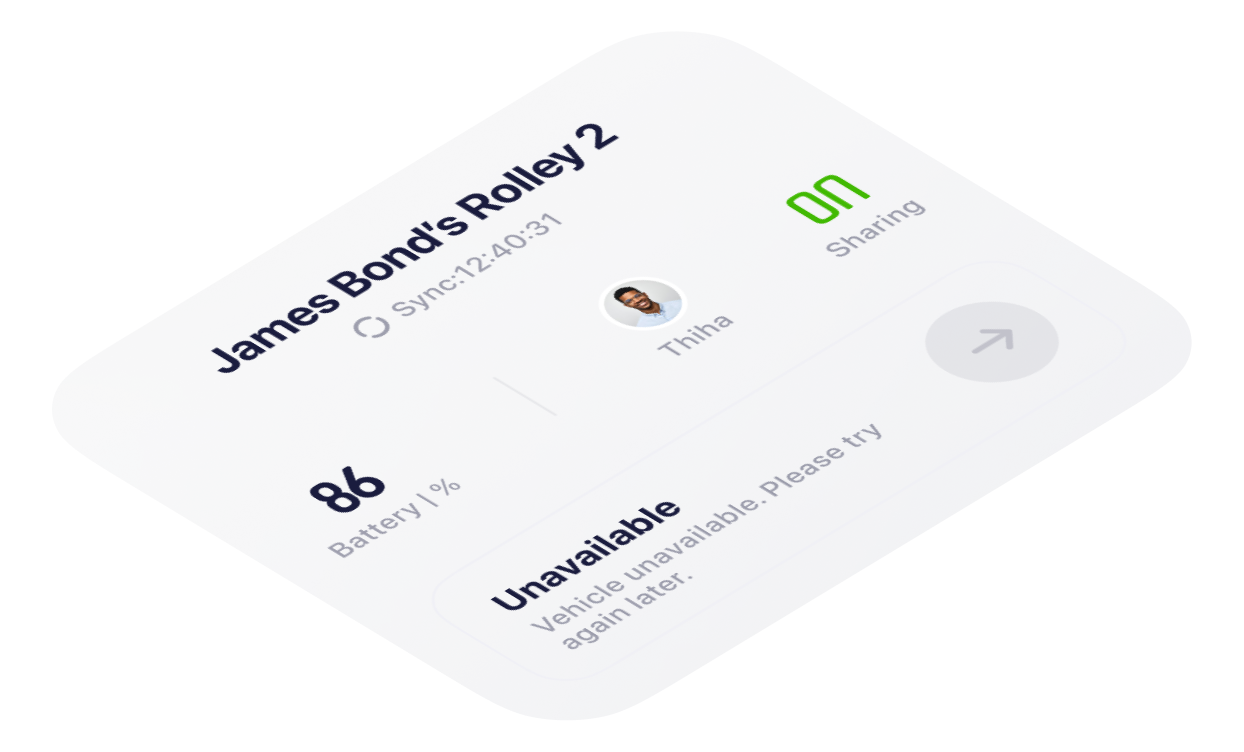
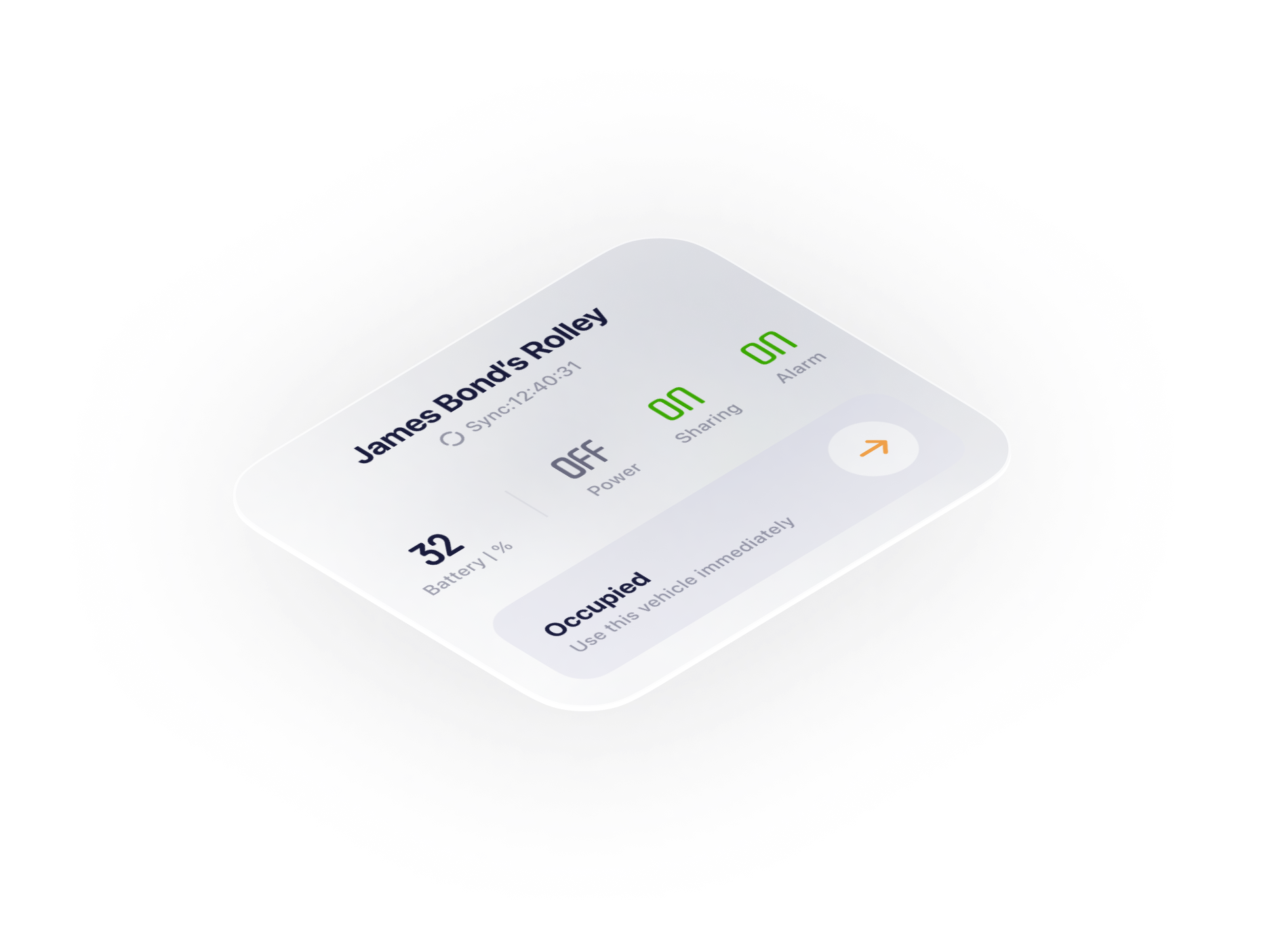
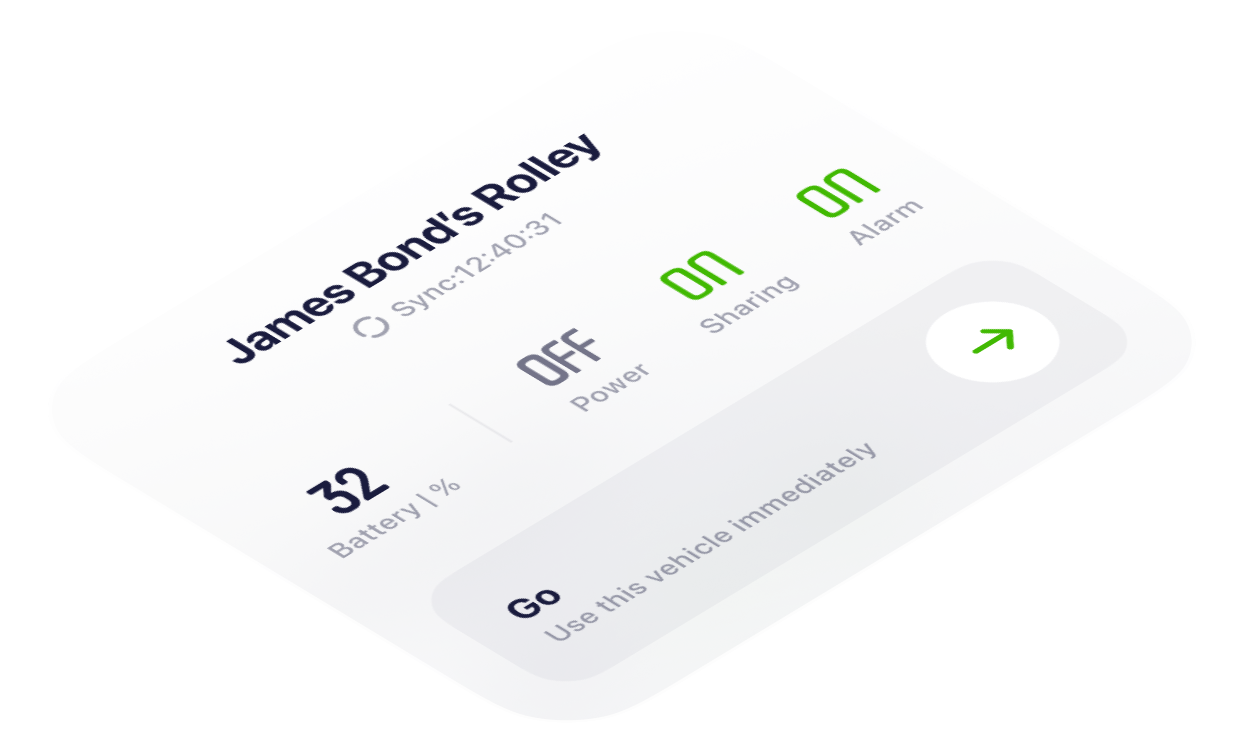
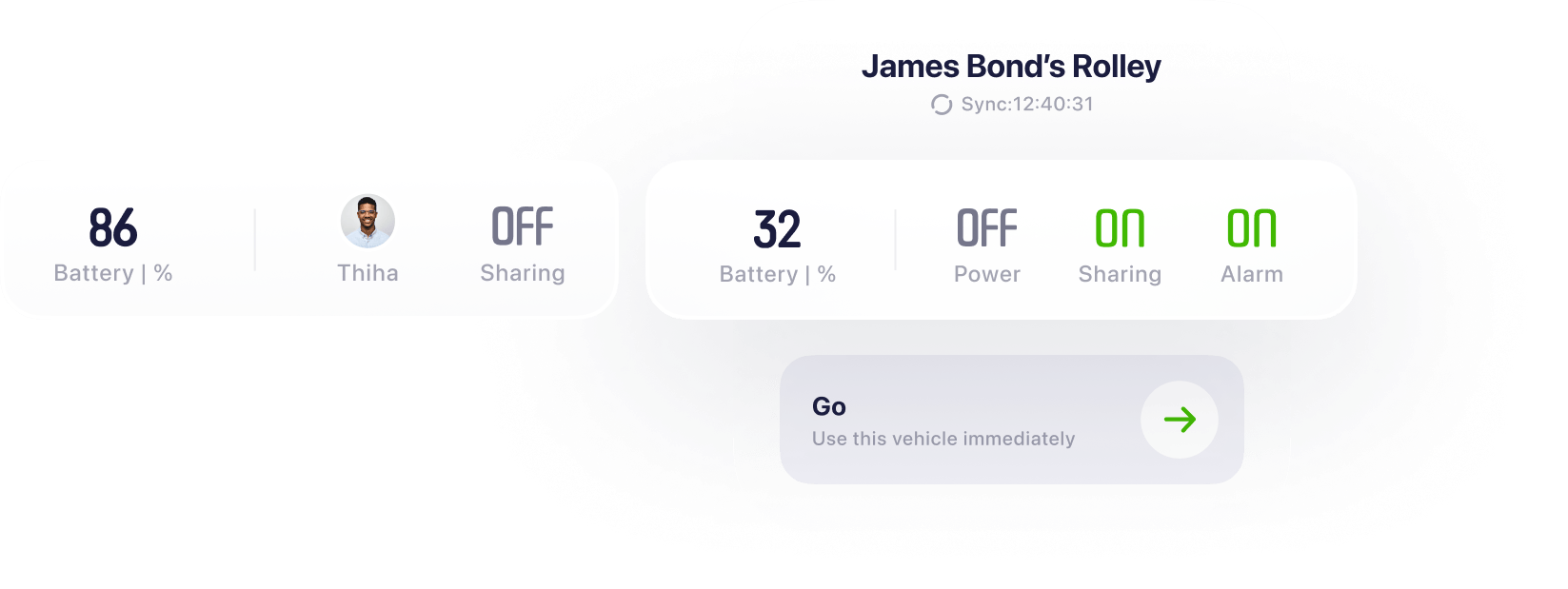
Users can stay updated on their scooters’ condition, ensuring they maintain control at all times.
The garage view aims to mimic a real garage setting where vehicles are parked, aligning with the rider's initial understanding and expectations of the product.
04
Know the status at just a glance
One crucial UX principle is to minimise user errors. Therefore, displaying a preview of the current vehicle condition before the user attempts to proceed helps prevent errors.
Well-organised layout reduces the UX Load
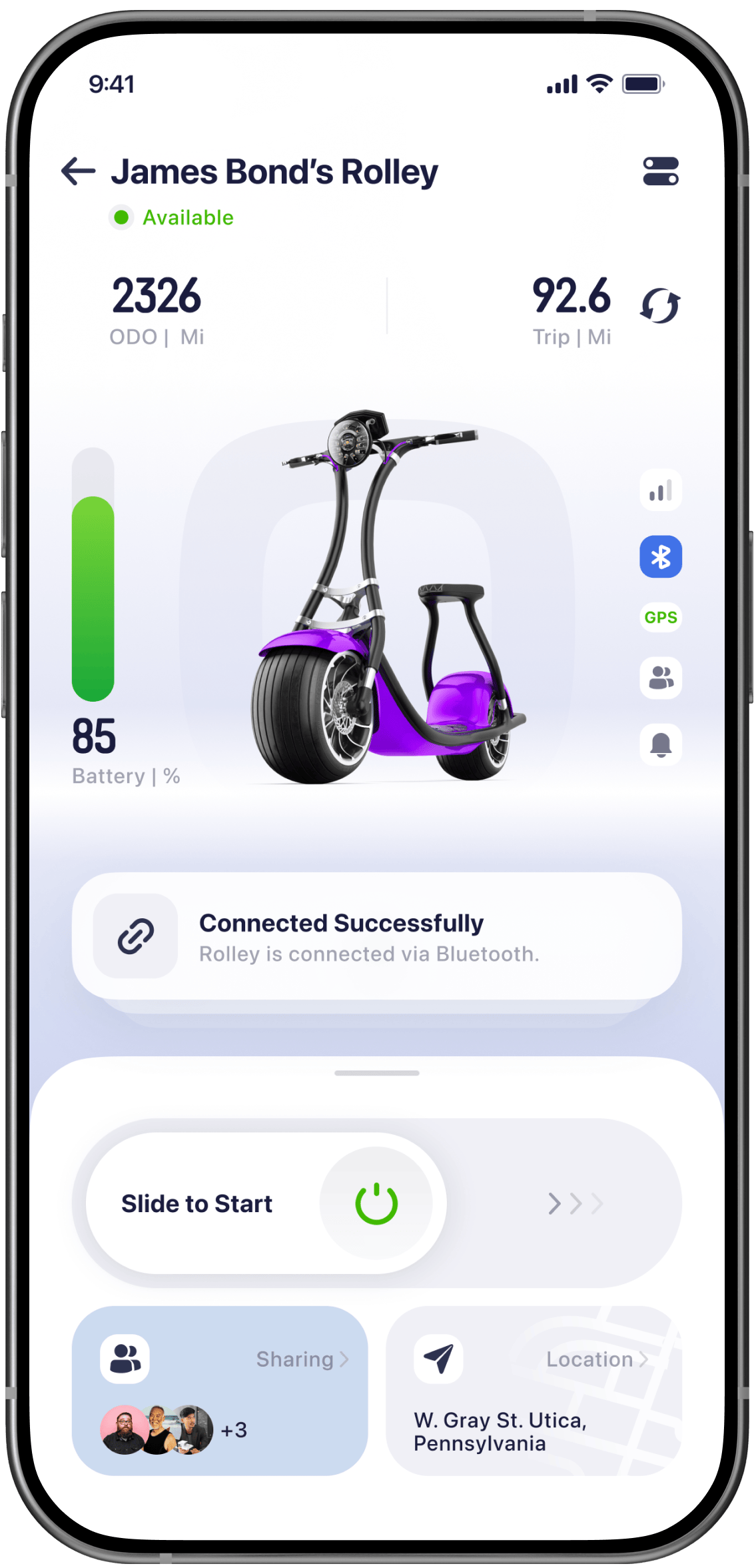
Based on the analysis of the user journey, divided the control page into several sections to decrease user experience burdens.
02
Instrument cluster
displays important information such as speed, fuel level,
01
Main View
Visualising the vehicle's status.
03
Centre Stage
Suggestions on user potential behaviour
04
Control Panel
Main interaction area


Visual Hierarchy
To align with users' eye movement, position all components vertically, starting from the upper center and moving downward to the bottom.
To reduce motor load, place the interaction area at the bottom of the screen, where fingers can easily access it. Additionally, arrange sections along the Z-axis according to interaction priority. Users tend to interact with the item closer to them firstly.
Z-Axis
Sections
Instrument Cluster
Main View
Centre Stage
Control Panel




View Area
New Tasks Triggered Area
Main Interaction area
First-click Test (Usability Test)
This test assesses whether users can quickly recognise the elements they must interact with to complete a task. Participants are given tasks like starting the vehicle. The result presents the majority of users can complete the task smoothly and quickly, shown as the click data.
05
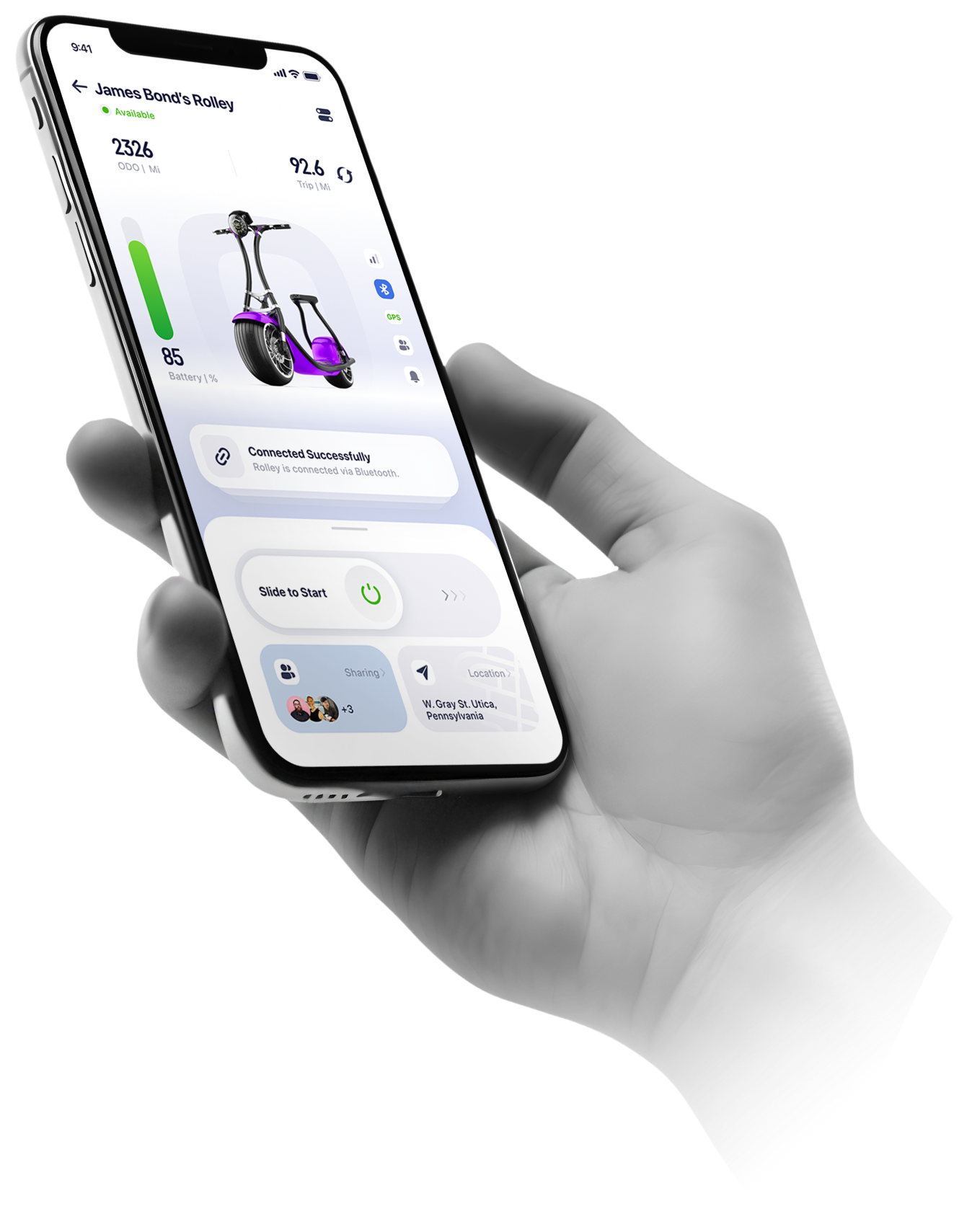
Connected Control,
Manage with ease

*8pt Grid System
*Symmetrical design creates a balanced weight distribution, mirroring the stability and reliability of the scooter itself.
*The ratio between the interaction area and the view area is 0.375, aligning with the aesthetically pleasing golden ratio.
Dashboard


View Area
Interaction Area
Main View
5-1



Connecting to vehicle
Power on


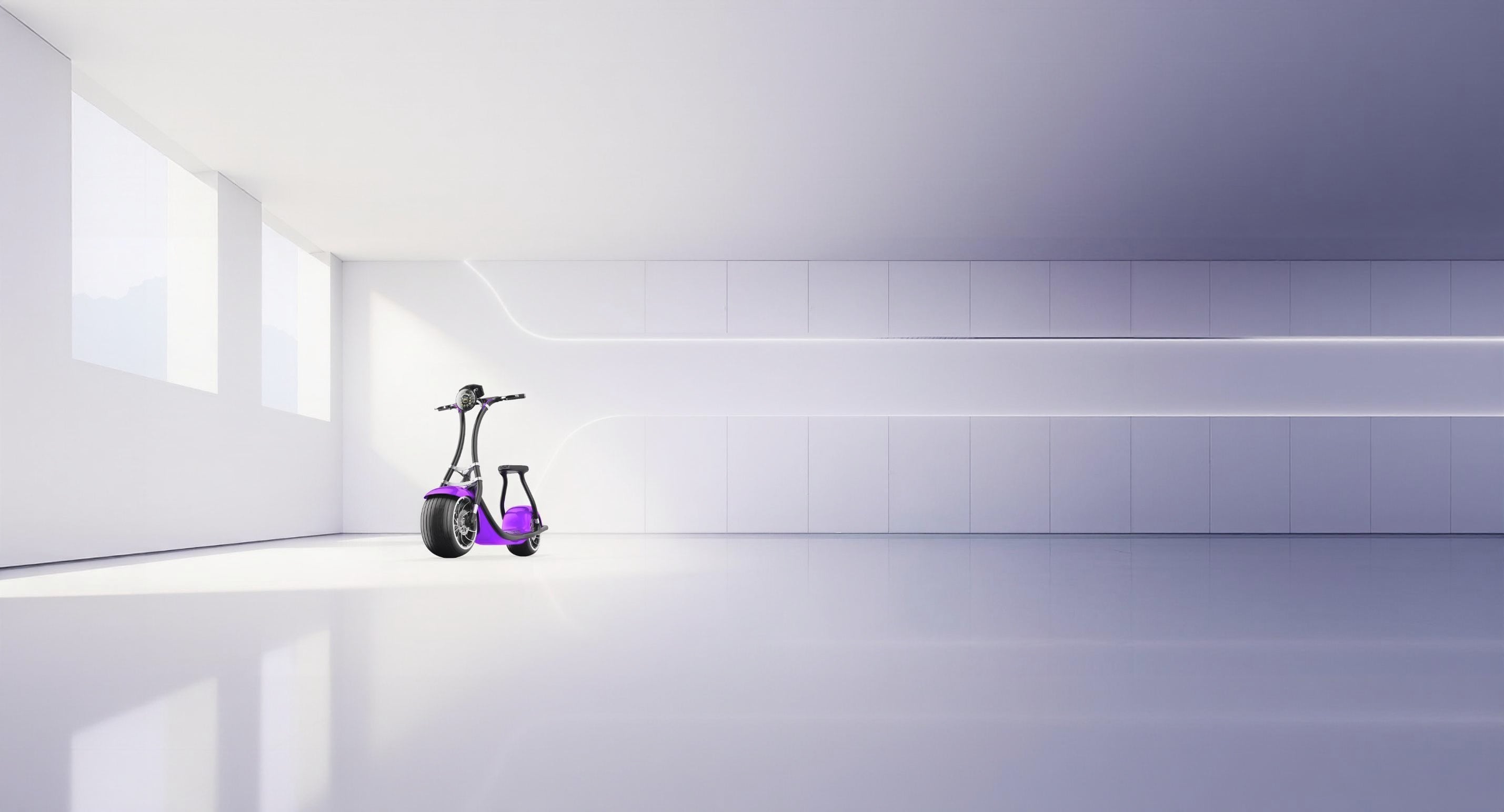
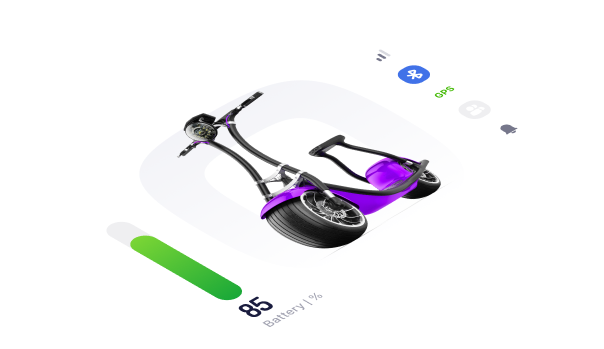
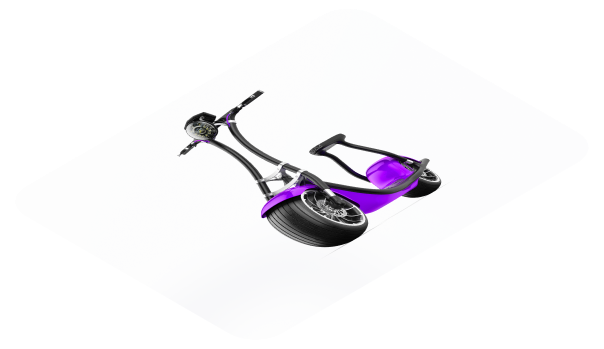
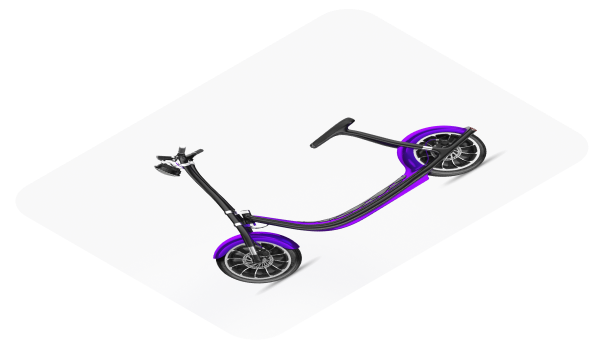
The object presents the image of Rolley. It displayed at different angles indicates the connection status
object
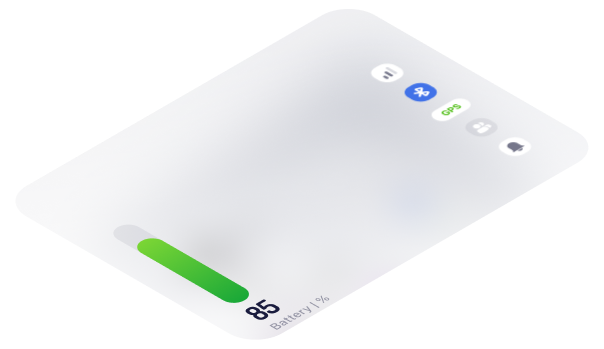
The background are derived from the Rolley Logo. It has two functions here:
1.Strengthening its brand identity.
2.Indicating the scooter power status. The logo will light up as a feedback of powering on.
Brand Identity
According to emotional design principles, the design aims to replicate the experience of physically unlocking and starting a vehicle.
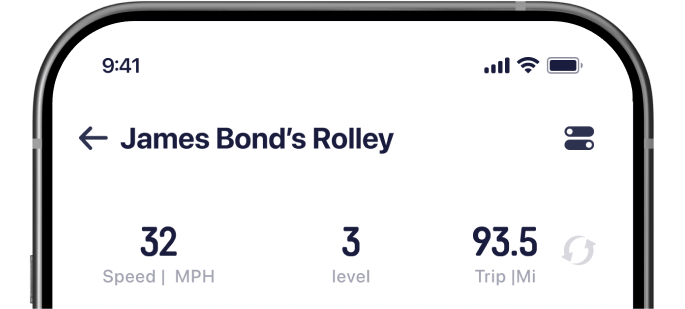
Know Your vehicle
as your need
5-2
Instrument Cluster
The Instrument Cluster dynamically displays information according to the user's riding condition, ensuring that riders obtain what they need at first sight.
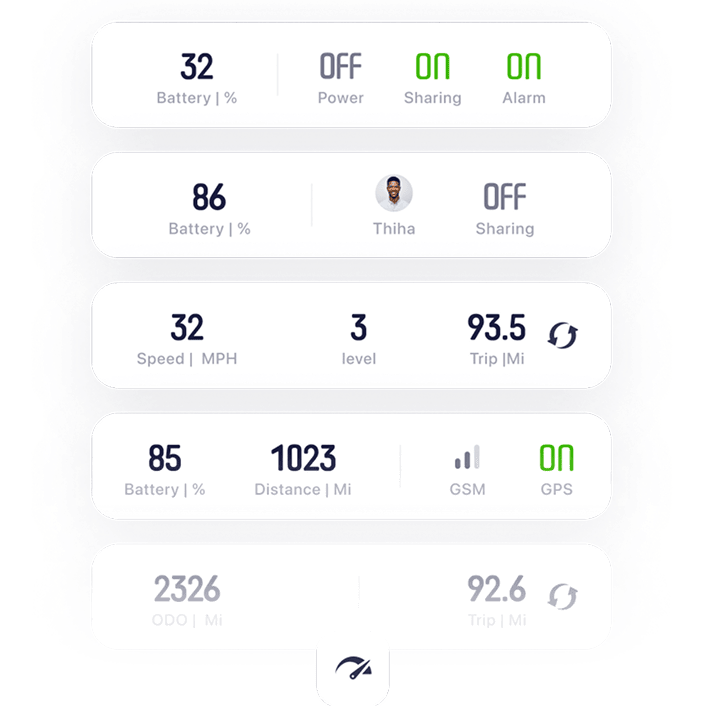
Good UX (user experience) involves presenting the user with the right information at the right time. This means that the information that is most pertinent and relevant to the user's current context should be easily accessible and prominently displayed.
Intelligent Tips, Expert Rides
5-3
Centre Stage
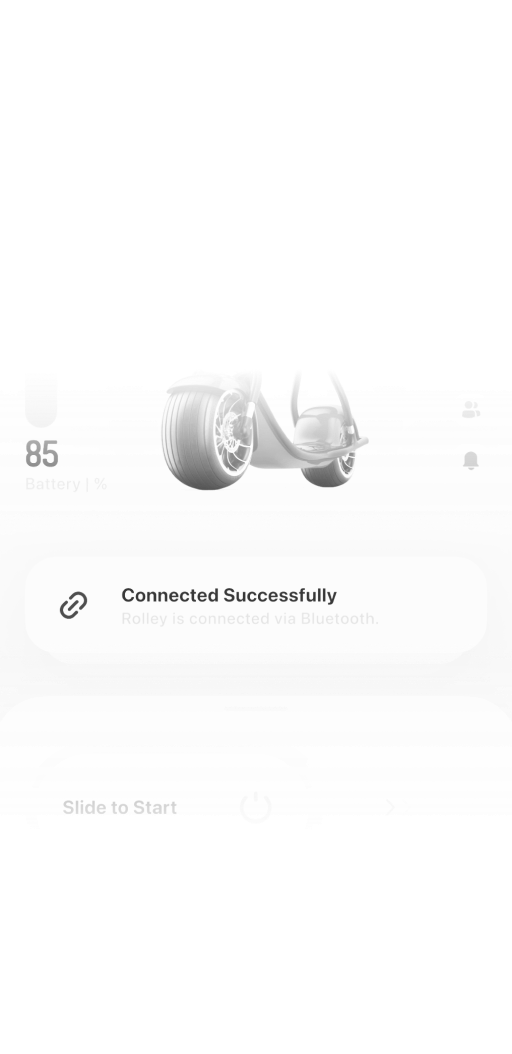
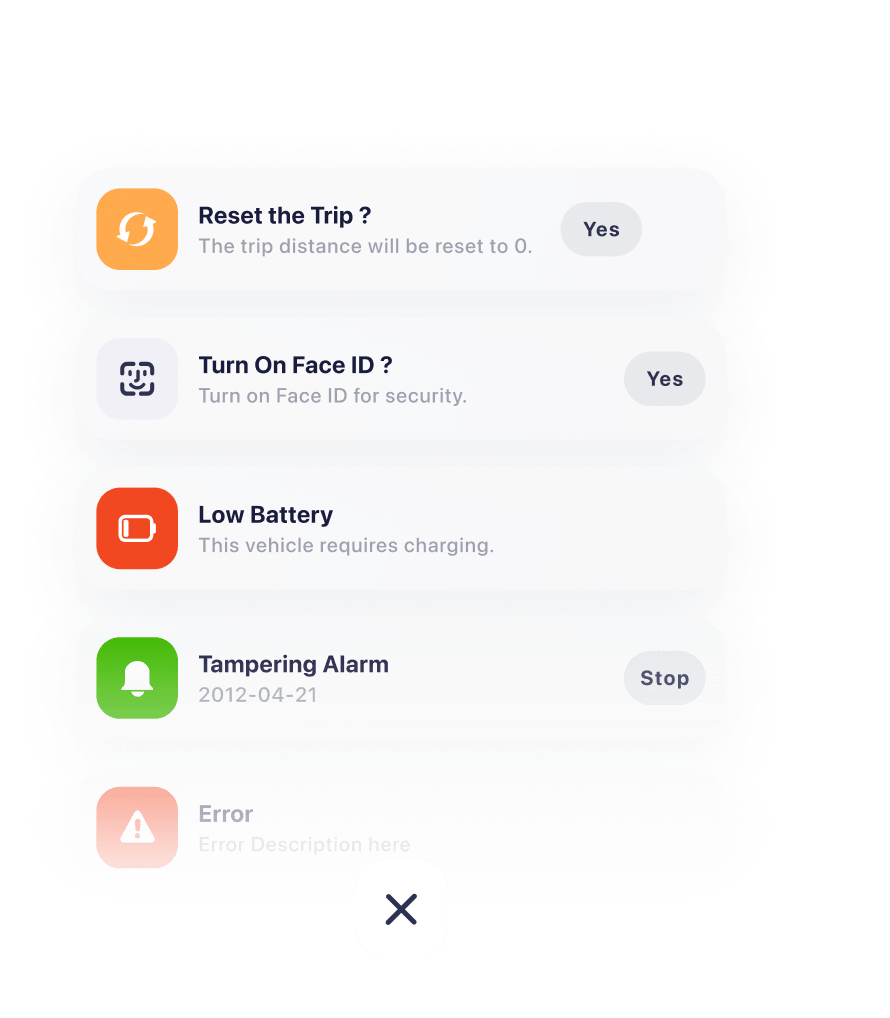
The centre stage will provide suggestions based on predictions of the user's current riding status. It has two purpose here:1.A predictive new action that a user might take;2.Immediate feedback to confirm a user's actions have been successfully executed.
Stacked

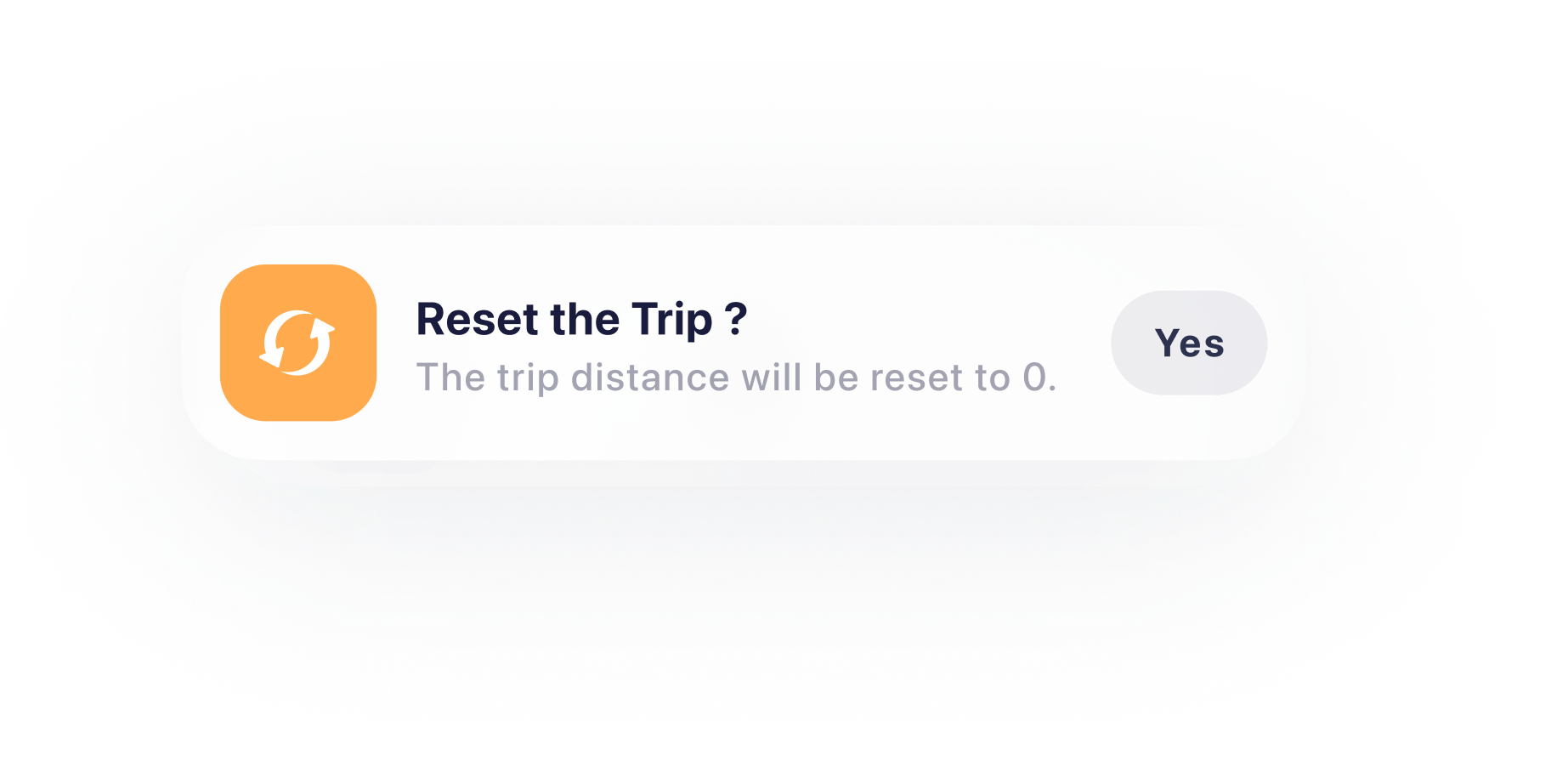
Good UX consistently informs users about their next steps and confirms the actions they have already taken.
Expaneded


Control Panel
5-4

The symmetrically designed switch component is suitable for the majority of users, including both left-handed and right-handed individuals.
The Control Panel serves as the central hub for accessing all features related to your vehicle.
The power switch is positioned within the natural thumb zone, making it easier to access. However, this placement also leads to a higher risk of accidental activation, as users tend to rest their thumbs there. To reduce the chance of unintentional use, the power switch is deliberately designed as below
Power Switch


Natural
Stretch


Thumb Zone

Error-tolerant area
Effective area
Error-tolerant area
The slide toggle will be triggered only if the minimal swiping distance exceeds
the error tolerant area . If the slider is swiped but doesn't meet this minimum distance, it will automatically bounce back, providing error feedback and preventing accidental activation.
The slider is designed to take effect only when swiped through the effective area, ensuring the user's action is confirmed and reducing the error.The effective area is minimized to allow users to easily trigger the action once their intent is confirmed.
When the slider exceeds the effective area, it is automatically pulled to the end. This feature assists users in completing the action smoothly, without requiring precise accuracy.The pull animation gives a feedback for completing the action.


Reduce accidental activation
According to Fitts's Laws, the touchable area is enlarged to reduce the motor load for a better experience.While the enlarged area , somehow, has a higer risk of the accidental triggering. Hence, it is important to keep a error-tolerant area.


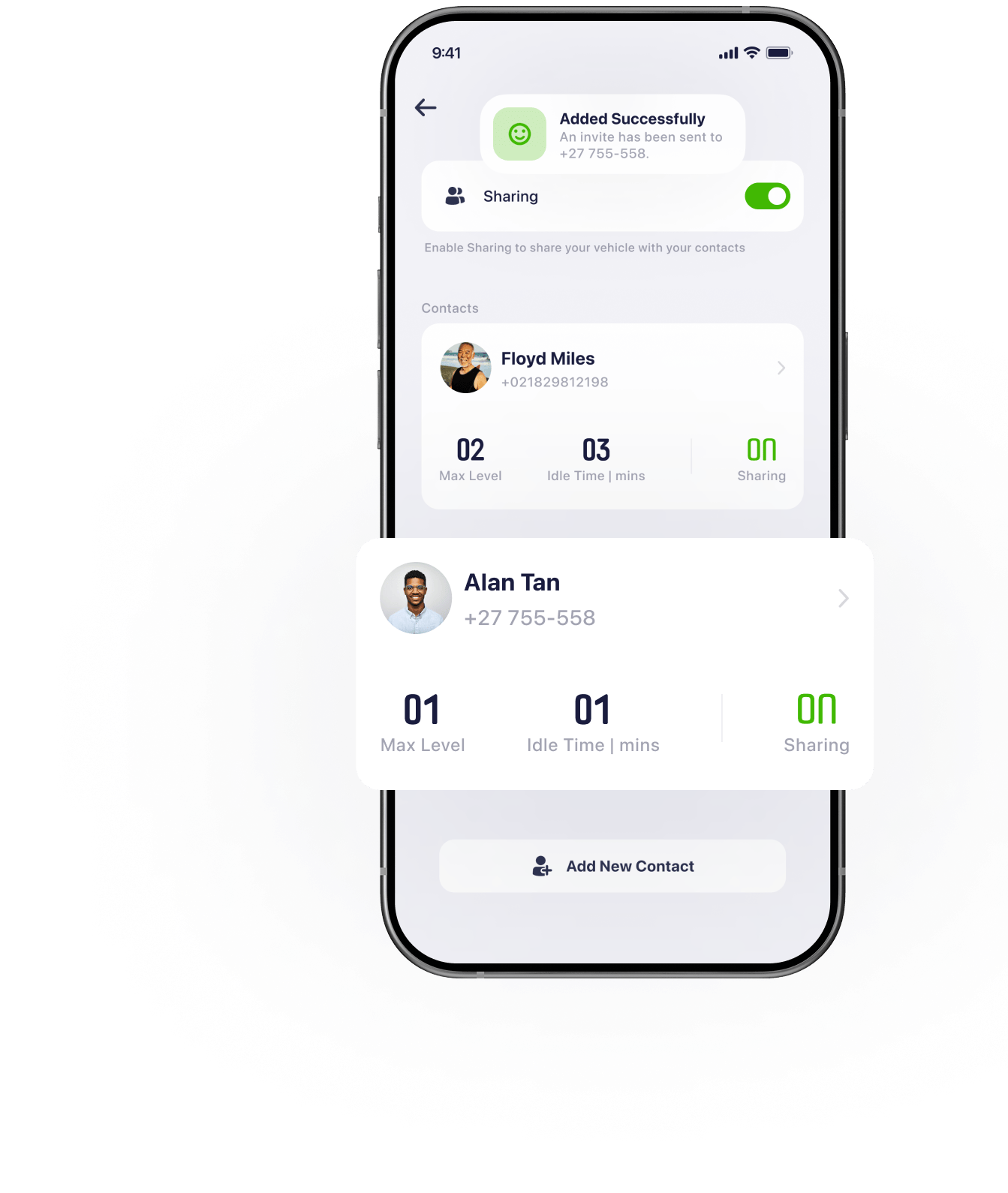
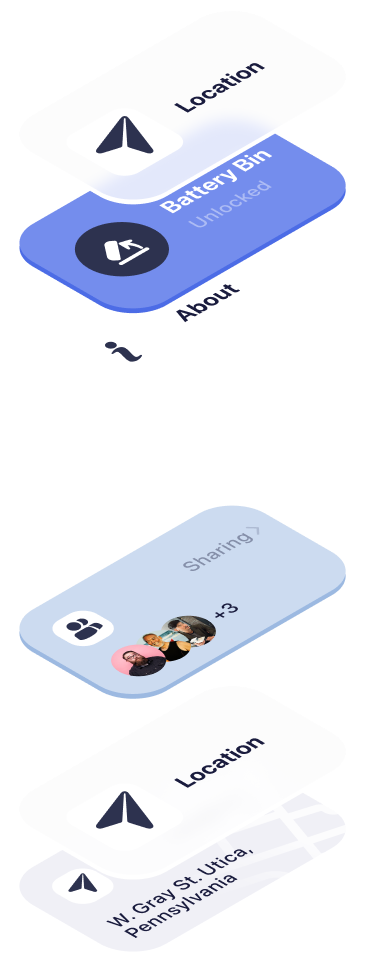
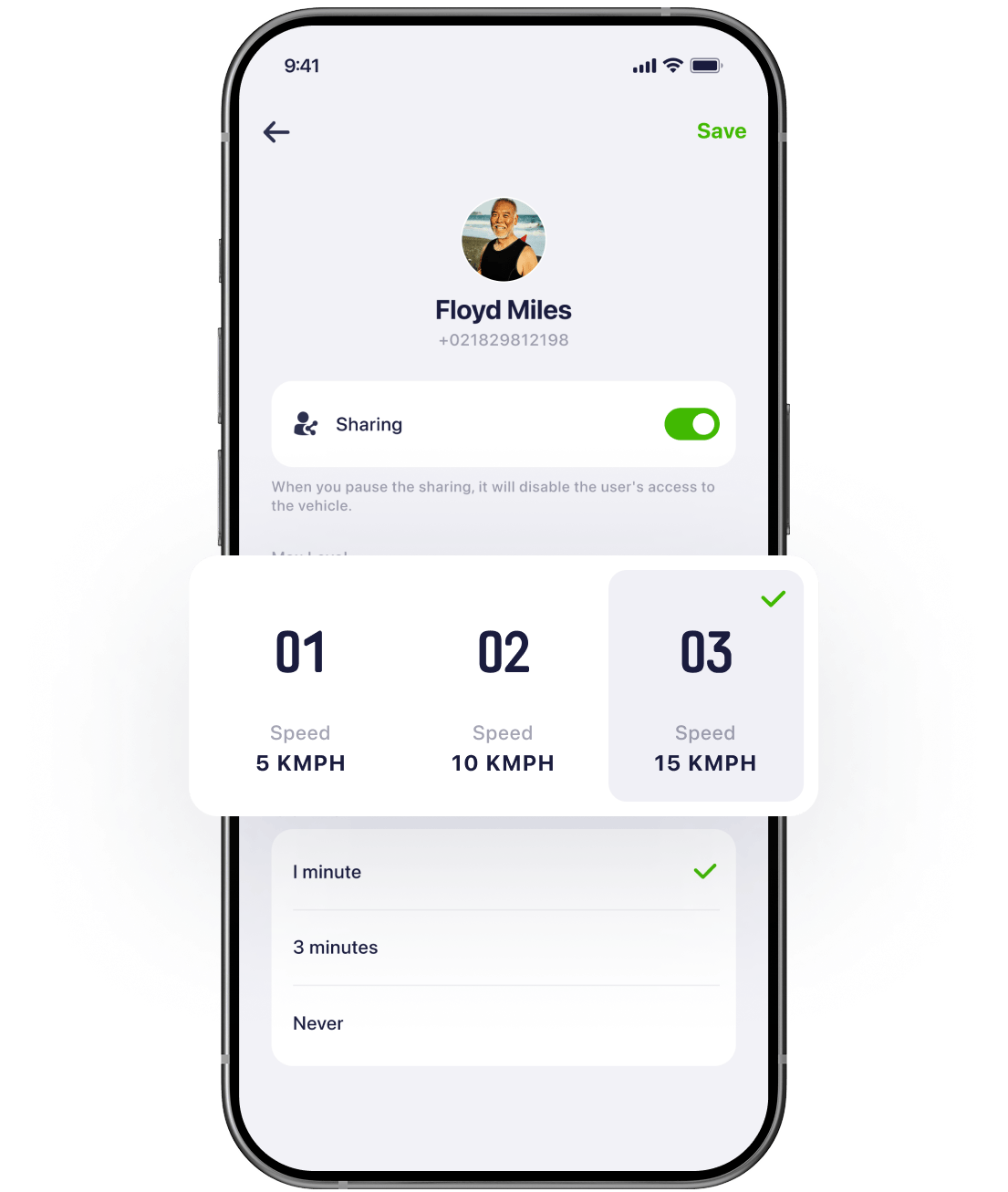
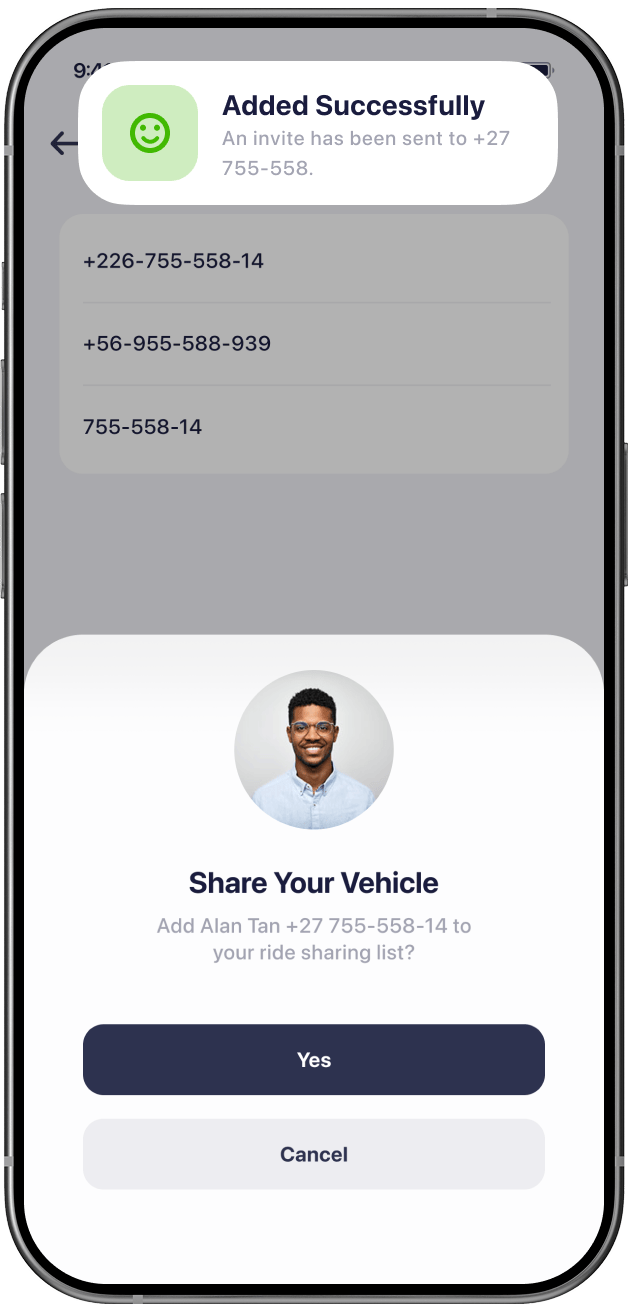
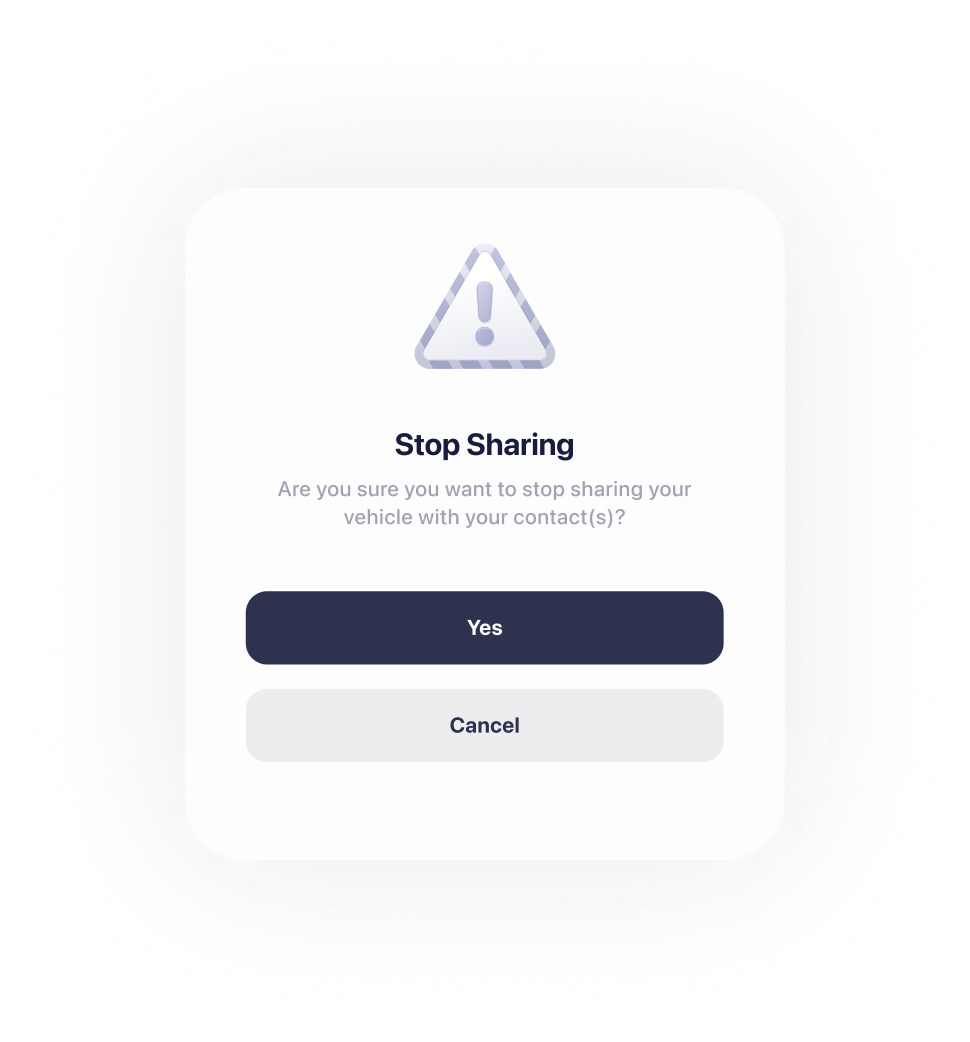
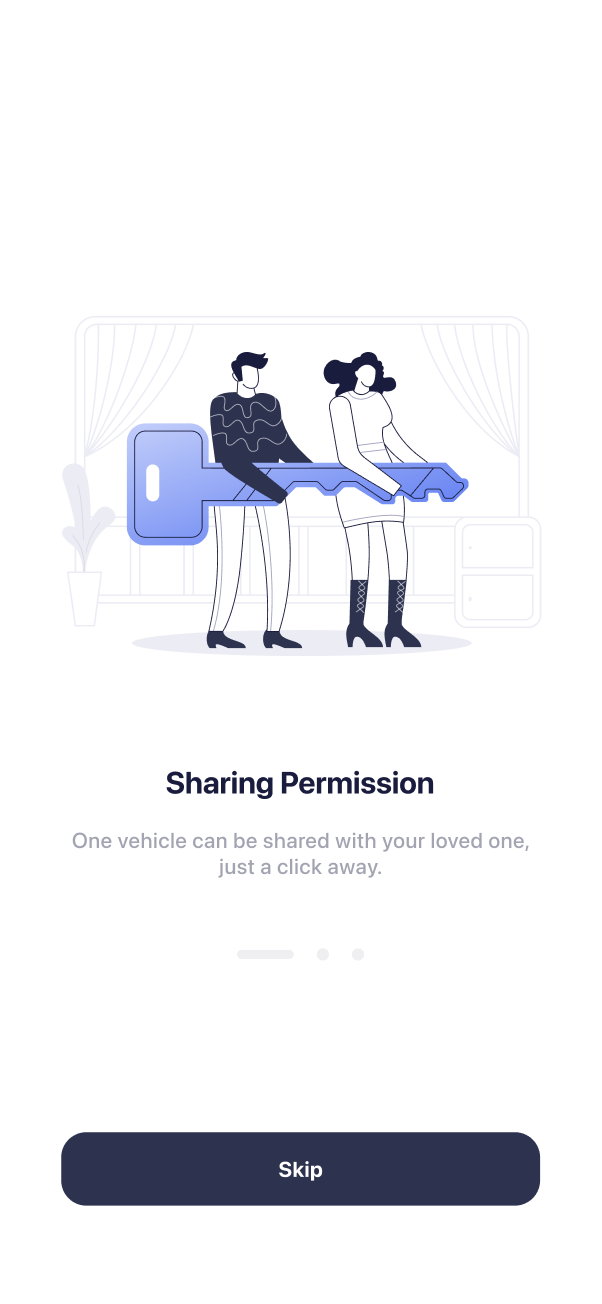
Discover the power of seamless sharing, where owners have complete control over customized settings for shared users.
A preview of setting for a shared user shows the setting values, and indicates what the user can expect.
Share Your Vehicles
06

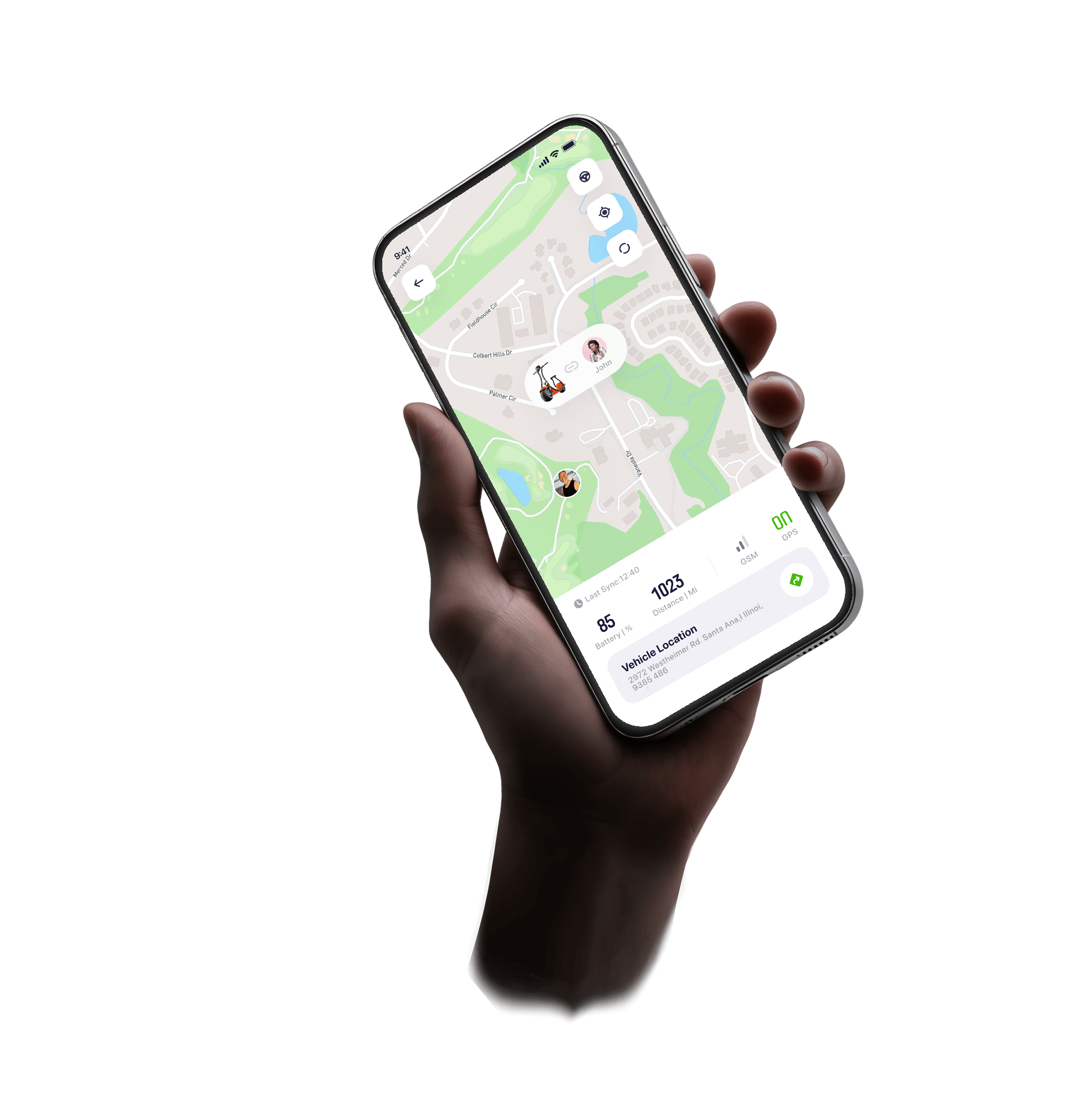
Remote Tracking, Anywhere You Are
07
Not only does it help users locate their scooters on the map with precision, but it also provides valuable insights, like who is riding, and the distance between the user and the scooter.

Destination
Wayne Manor

Starting Point
Stark Tower
Limit Max Speed

Contact List


Stay notified,
Stay Ahead
10

Track Battery,
Stay in Control
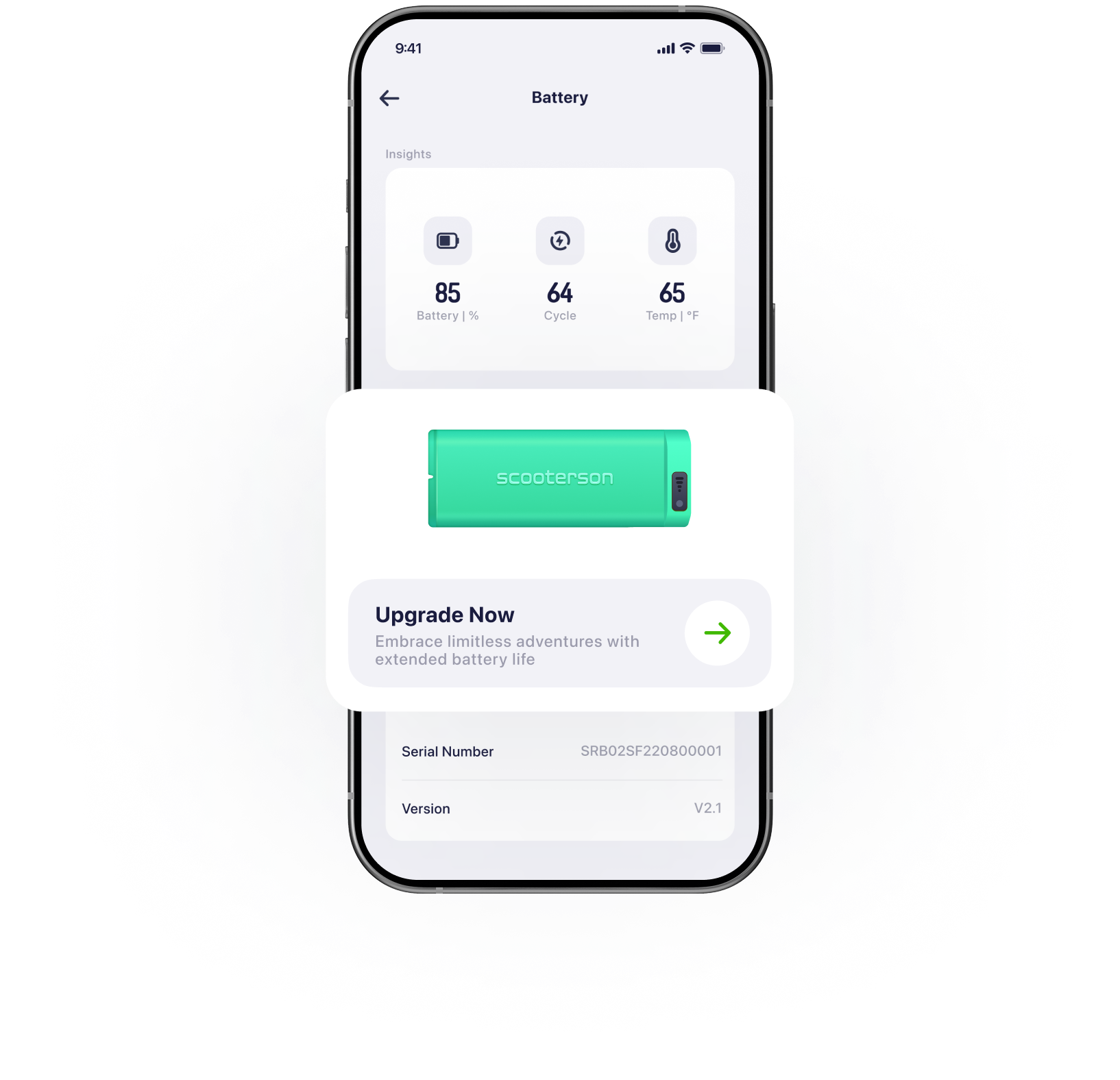
08
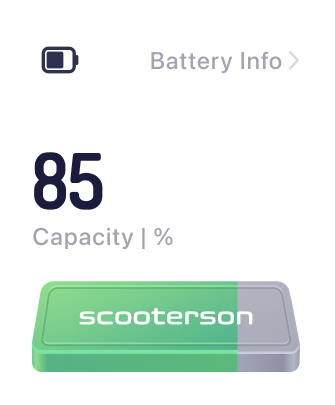
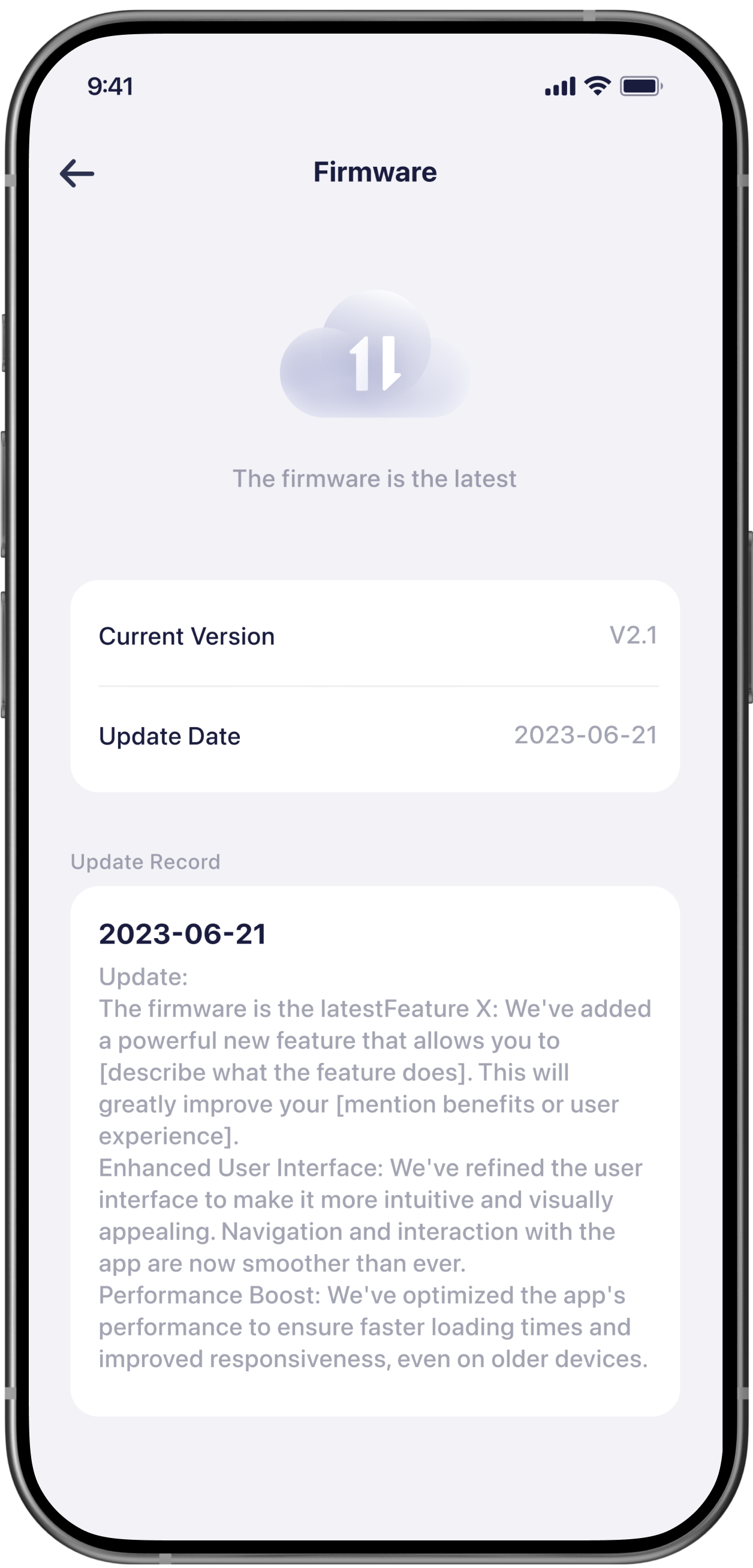
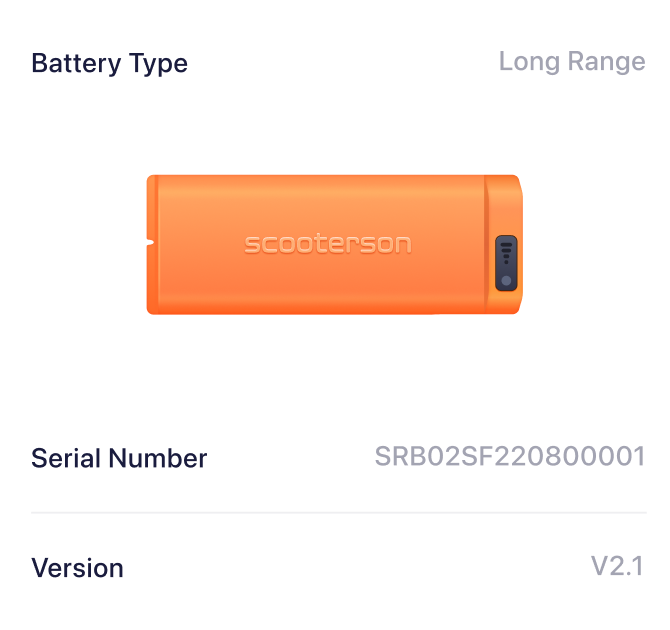
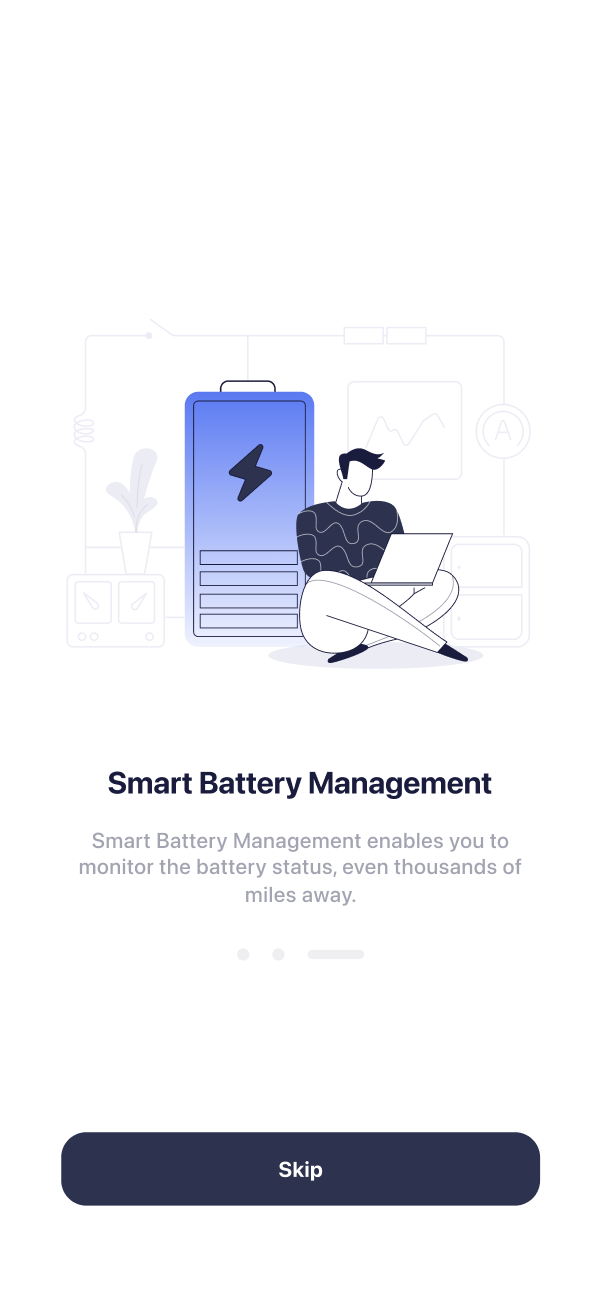
Smart Battery Management enables you to monitor the battery status, even thousands of miles away.
Setting Your Vehicle can't be easier
9
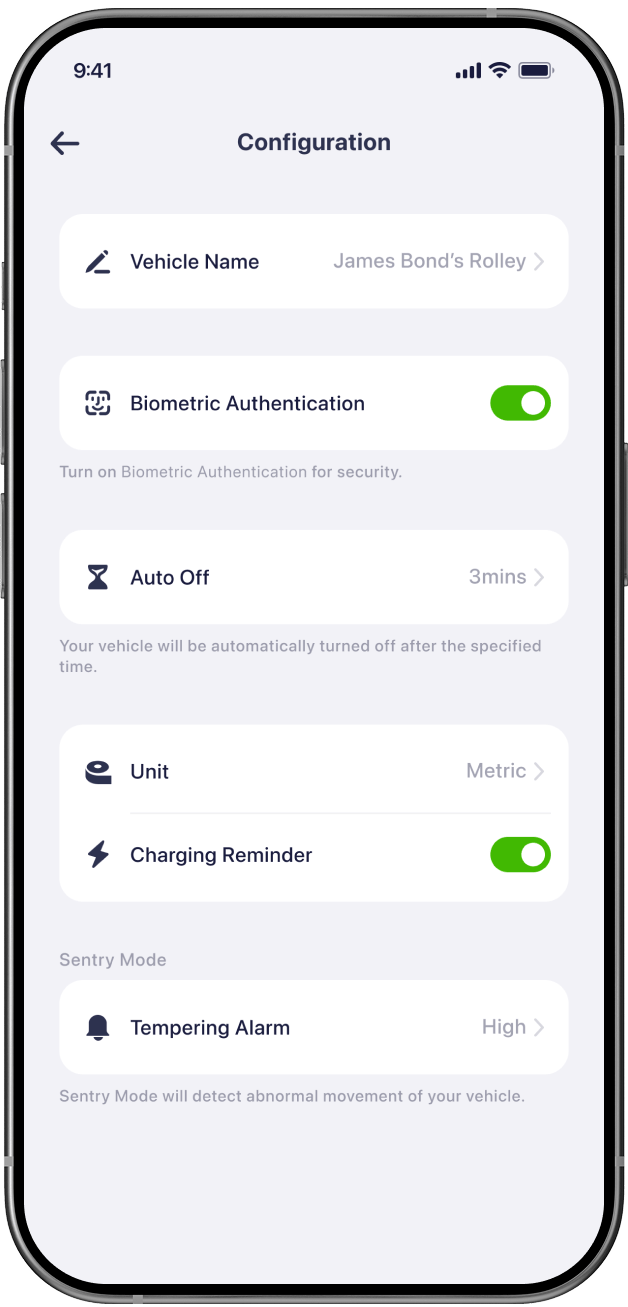
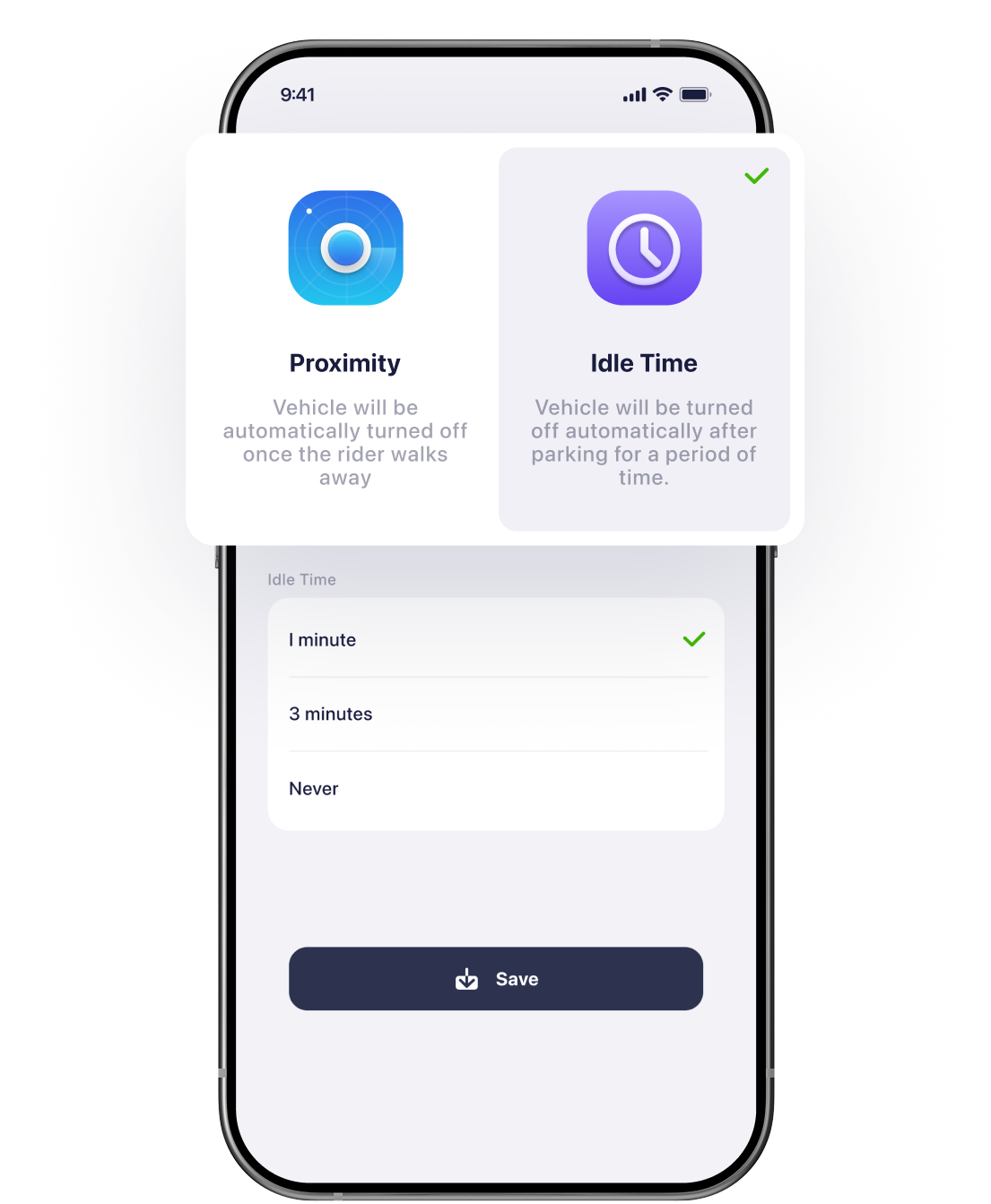
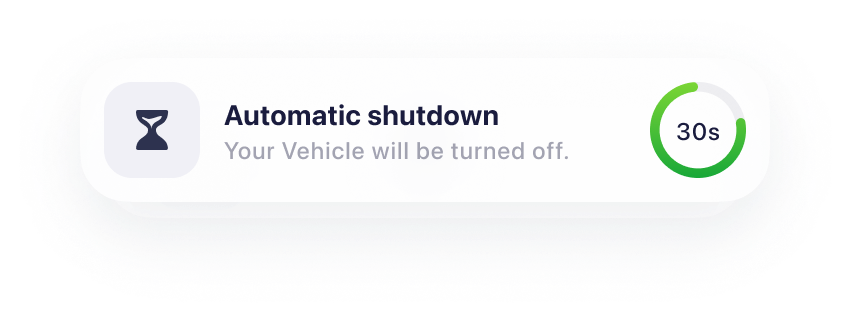
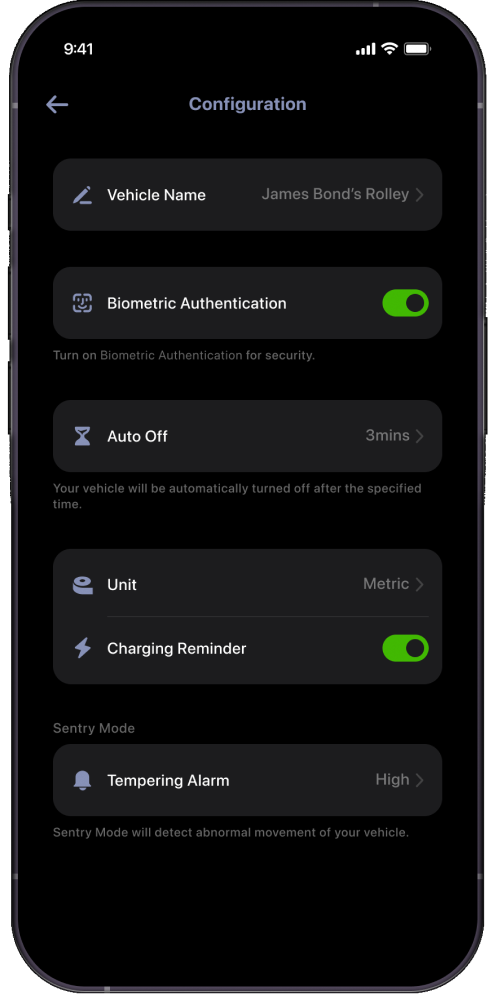
Users can customise their scooters according to personal preferences, including settings such as unit conversion, automatic shutdown, and more. This flexibility allows each user to tailor the vehicle's functionality to suit their individual needs.
Enable Biometric Authentication

Select Idle Time

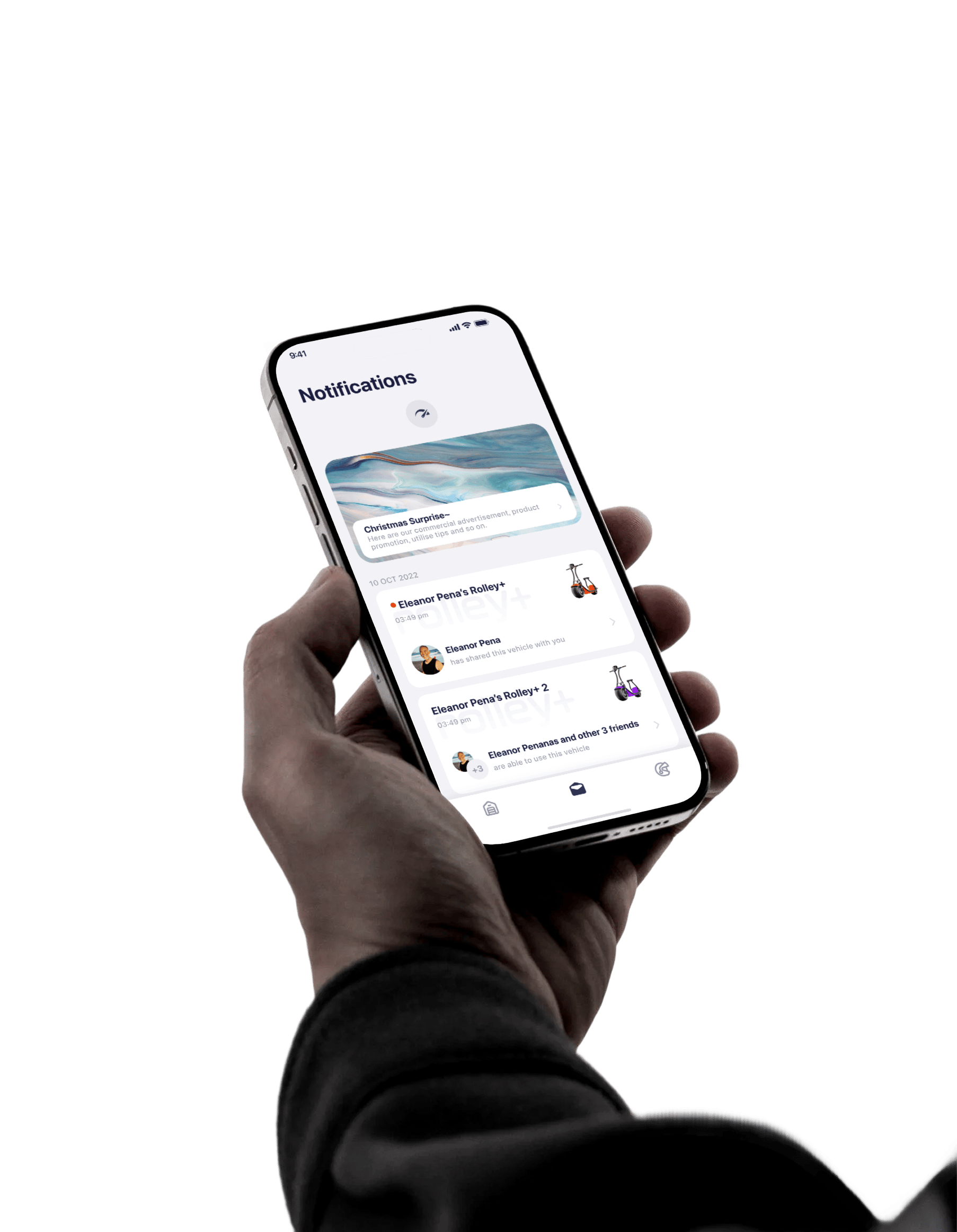
The notification system is a collection of all vehicles' notifications. It has two functions:
1.To facilitate easier tracking of the condition of multiple vehicles.2.To record changes in the condition of the vehicles.
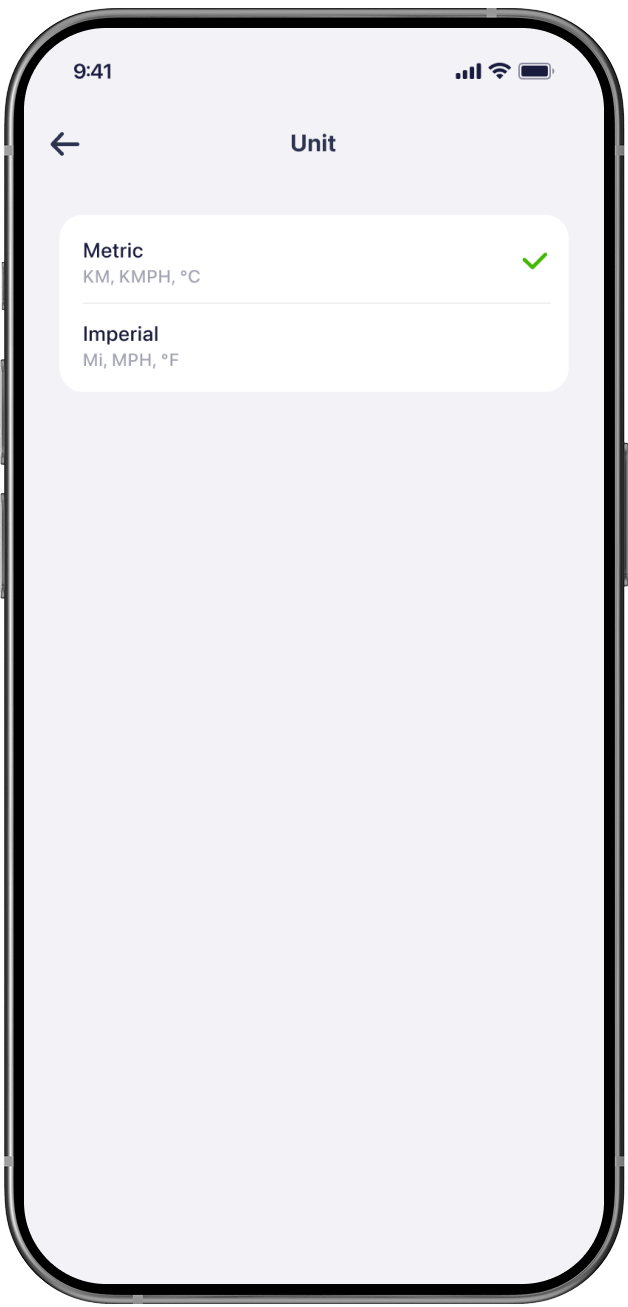
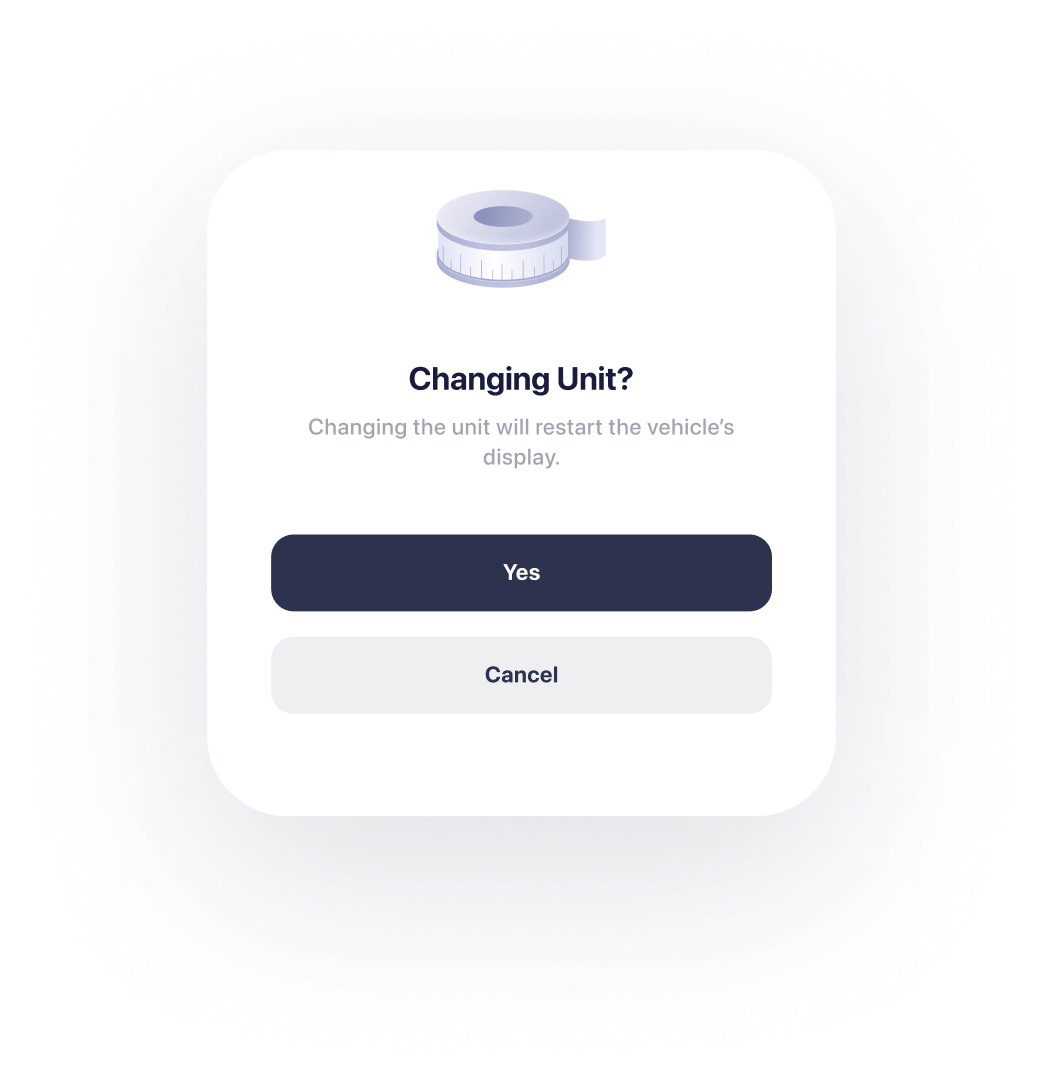
Unit Switch

APP UI
12
overview
visual Design
11
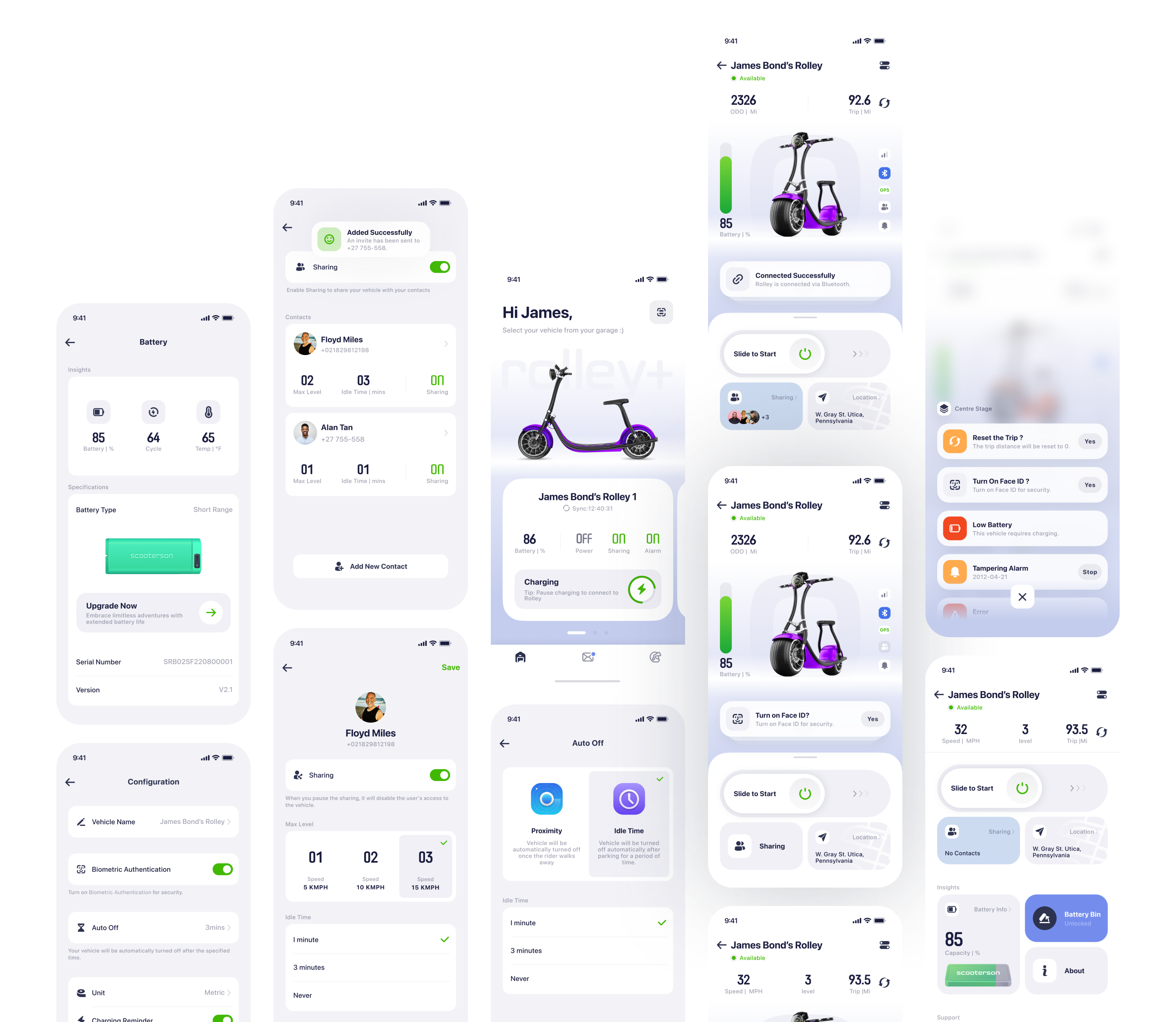
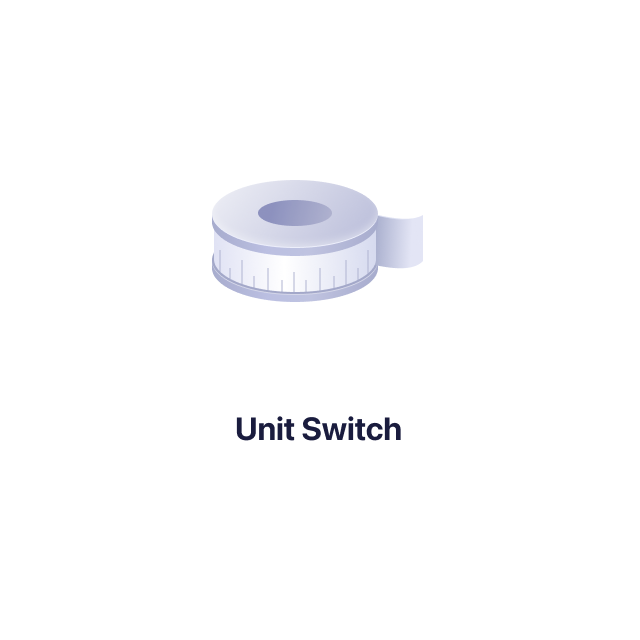
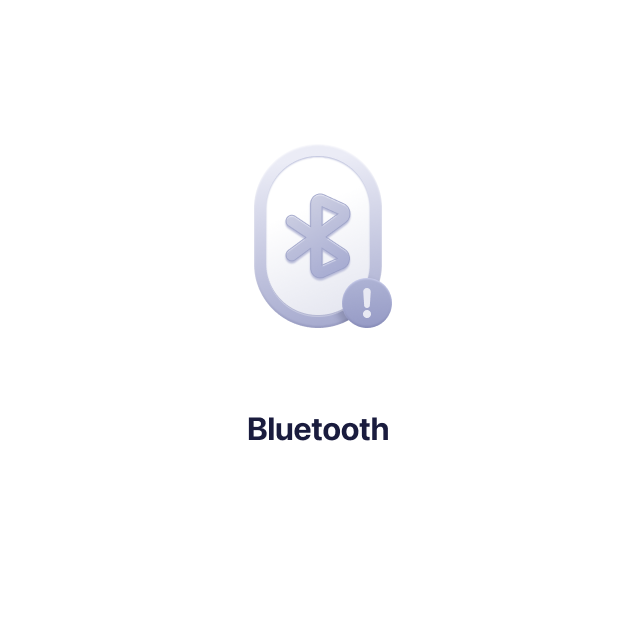
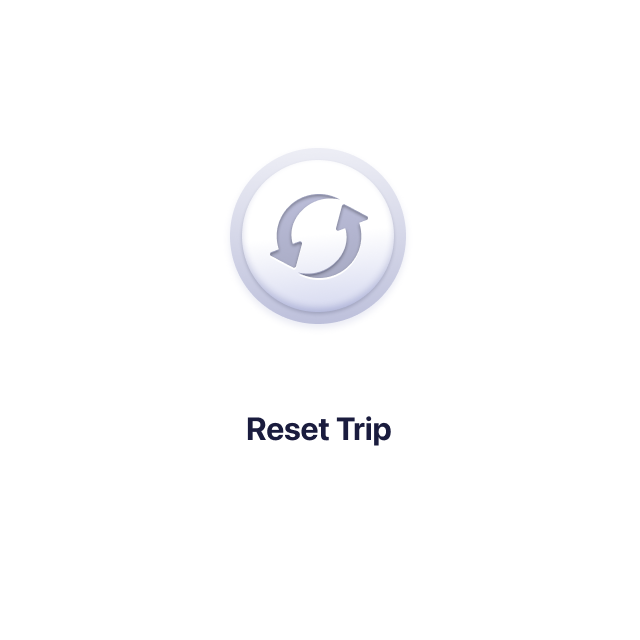
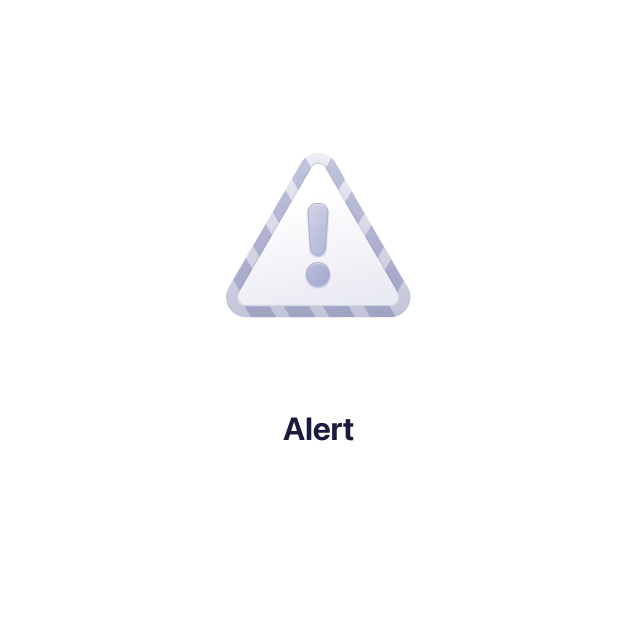
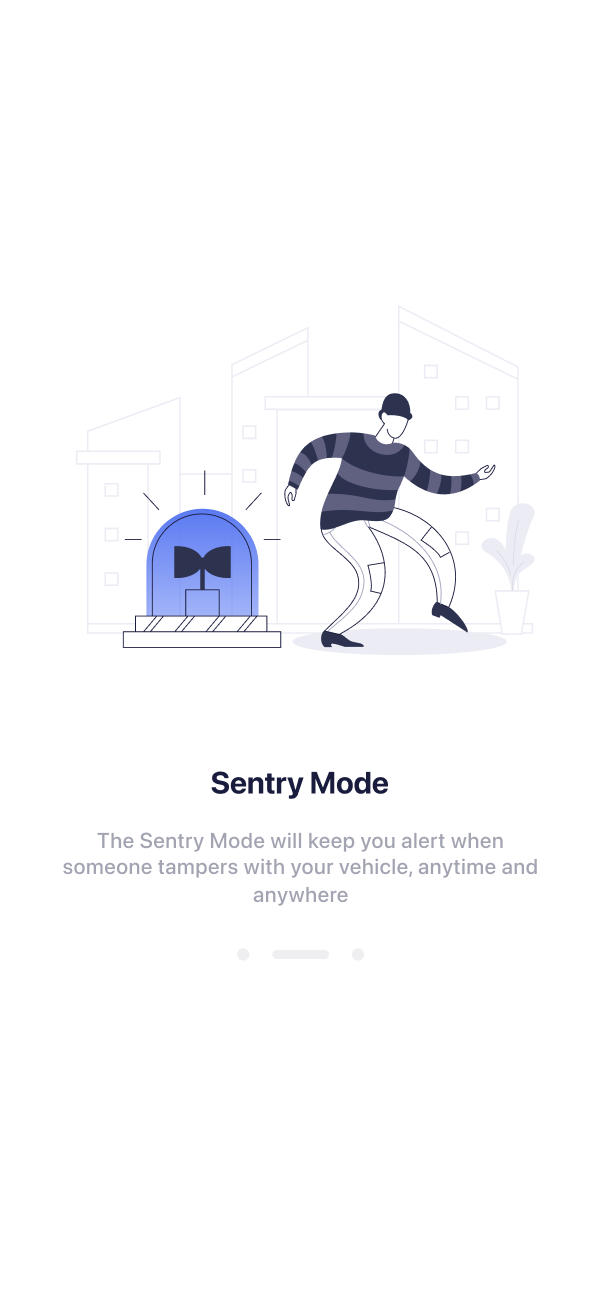
Users are more attracted to graphical elements rather than texts. We design a series of visual elements to simplify complex information.




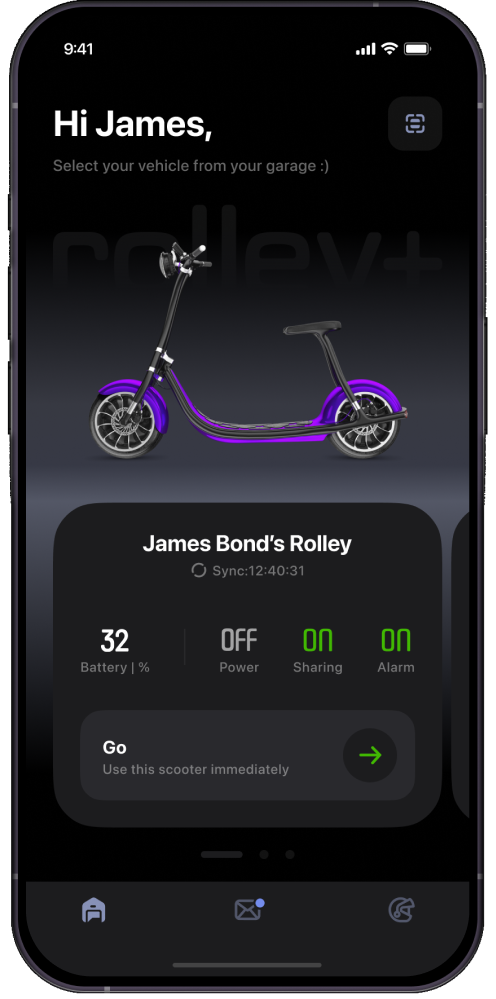
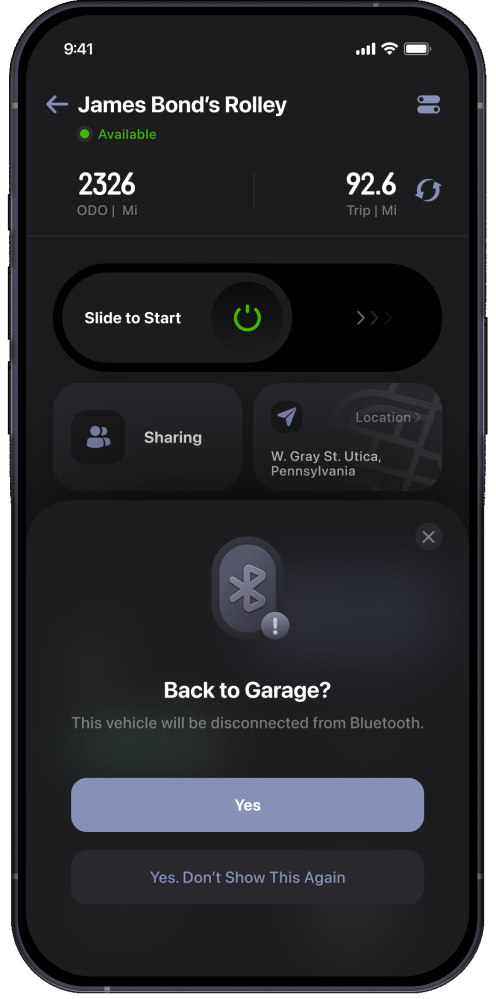
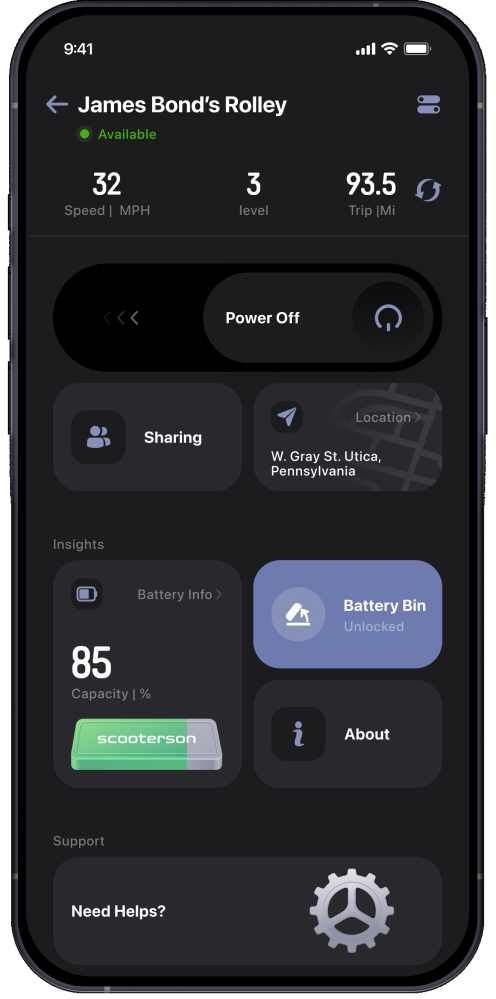
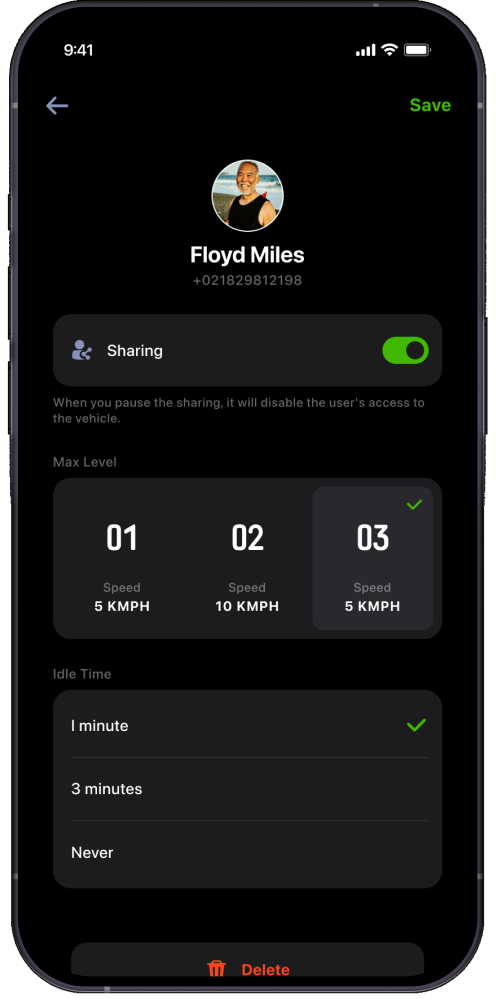
Explore the night
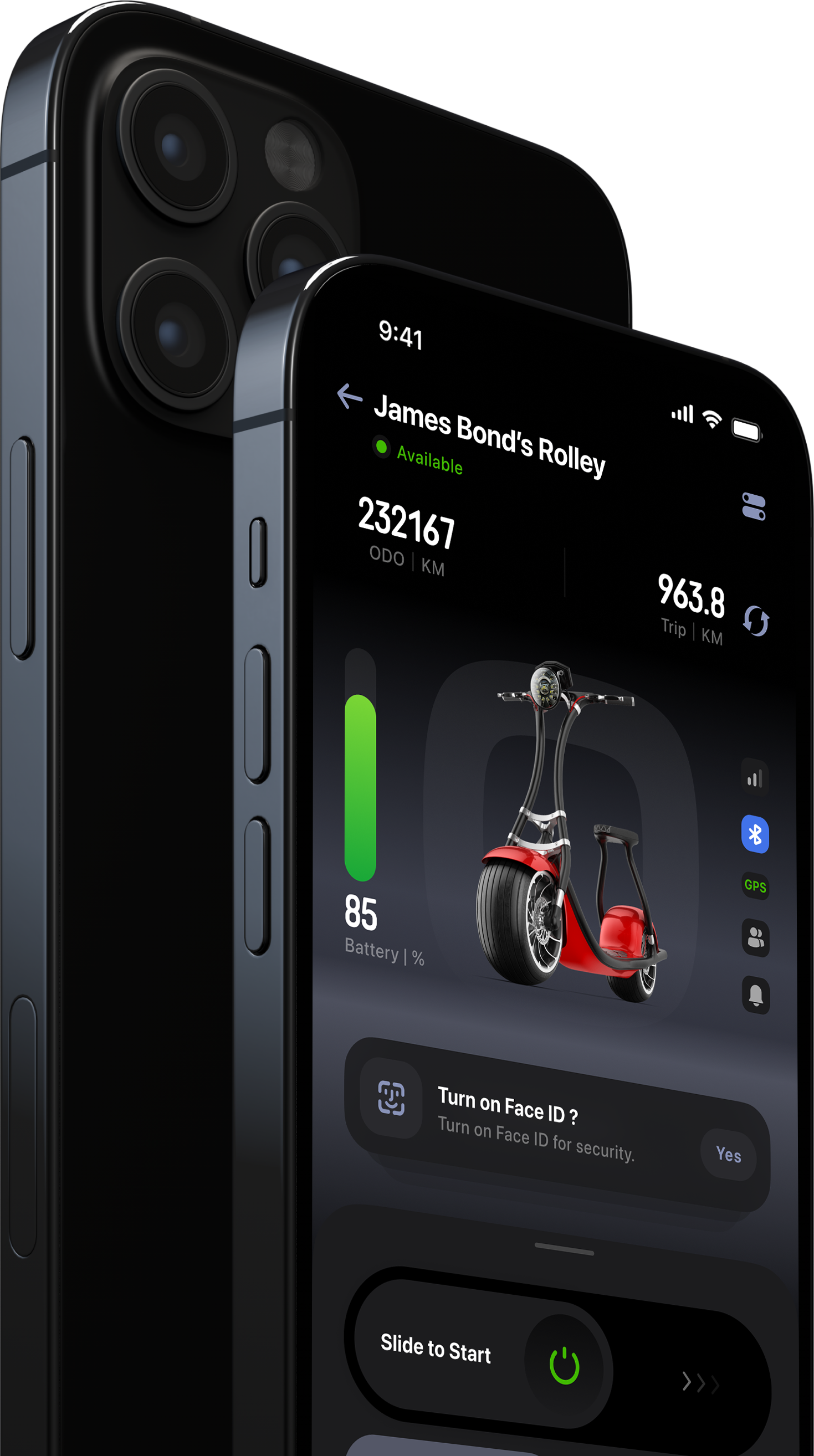
Embrace the nighttime adventures with our intuitive Dark Mode which will be activated automatically at nights.
13

Dark Mode
iOS Native
Designed to enhance visibility during night rides and reduce eye strain in low-light environments, Dark Mode offers a stylish and practical interface alternative.

iOS Mobile App
IoT Integration Project
UI / UX Design

Transform your smartphone into the ultimate e-scooter hub with our app. Access the coolest features and control your ride like never before. Enjoy a seamless, hassle-free experience.
Ride Smart
E-Scooter APP
2023-3
Research
01
About
1-1
This app is designed to enhance the riding experience of the Rolley, an e-scooter manufactured by Scooterson. The goal is to ensure riders can effortlessly control and monitor scooters with just a few taps on their smartphone.
Challenge
1-2
The overall riding experience is complex, including:1.User interaction with the phone2.Interaction between rider and Rolley3.Interaction between the app and Rolley. This refers to communication and control between the application and the e-scooter. This complexity complicates app design as these interactions occur simultaneously. The app should not distract riders from safe riding, while still can enhance the riding experience.
The User Journey Mapping
User journey mapping helps identifying user pain points in various riding scenarios, guiding app feature priority.
1-3
Scenario
Behaviours
Experience
Expectation
App Design
Before Riding
Ready to start
Riding
After Riding
Plan the route and destionation
Find the vehicle
Position besides the vehicle
Check the vehicle’s physical condition
Retrack the kickstand
Unlock and start the vehicle
Check the battery capacity
Adjust the mirror
Reset the trip if necessary
Shift the level to Drive mode
Rotate the throttle to speed up
Check the speed
Check the battery if drain
Check instrument cluster
Park the vehicle
Power off
Lock the vehicle
Open the battery bin to change battery if necessary
Hand in keys to share if possible
Walk away



Excited at new journey

Struggling to find the vehicle
Unsure of the vehicle condition
Confused in starting the vehicle
Feels annoyed at unexpected errors
Feel enjoyable when riding
Easy control
feel disappointed at no navigation embeded.
feel accomplished after riding
feel troublesome to lock before leaving
inconvenient to swap battery and share the vehicle
Feel worried of being stolen
Locate the vehicle remotely
Unlock the vehicle before approaching
Maintenenance Alets
Battery status updates
Record the riding route
walk away directly after riding
reminder of tempering
friends can ride if owner not nearby
- Enable the vehicle can be ready before user approaching.
- Enable riders to monitor the vehicle remotely.
- Dont distract users from riding.
- Alert only when necessary
- Secure the vehicle when away
*the user journey is based on conventional scooter
User journey mapping helps prioritize app features based on different scenarios. Moreover, the app design serves as a companion throughout the entire riding experience.
Visual
02
Regular
Medium
Bold

2-1 Font
SF Pro Display
We use the iOS system font to minimize the app size, restricting font weight to three levels. However, the number font remains consistent with the instrument cluster display.
Design Token is applied to maintain a systematically organised design system.
2-2 Colour

#2D324F

#7088E5

#CCDBF0
60%
30%
10%
Colour, Hex
the colour ratio keeps 6:3:1 and it is the best proportion to achieve colour balance. The main color is derived from the scooter itself to maintain harmony and consistency between the virtual experience (app) and the real physical interaction (riding a scooter).


Effortless Vehicle Activation
03
With the mobile app, activating Rolley has never been easier. Simply scan the QR code provided, and Rolley will come to life.
Easy to switch among vehicles
Riders swipe left or right to select vehicle.This conceptual mode aims to close the user mental mode, simplifying user learning process.
Users can stay updated on their scooters’ condition, ensuring they maintain control at all times.
The garage view aims to mimic a real garage setting where vehicles are parked, aligning with the rider's initial understanding and expectations of the product.
04
Know the status at just a glance
One crucial UX principle is to minimise user errors. Therefore, displaying a preview of the current vehicle condition before the user attempts to proceed helps prevent errors.
Well-organised layout reduces the UX Load
Based on the analysis of the user journey, divided the control page into several sections to decrease user experience burdens.
02
Instrument cluster
displays important information such as speed, fuel level,
01
Main View
Visualising the vehicle's status.
03
Centre Stage
Suggestions on user potential behaviour
04
Control Panel
Main interaction area



Visual Hierarchy
To align with users' eye movement, position all components vertically, starting from the upper center and moving downward to the bottom.
To reduce motor load, place the interaction area at the bottom of the screen, where fingers can easily access it. Additionally, arrange sections along the Z-axis according to interaction priority. Users tend to interact with the item closer to them firstly.
Z-Axis
Sections
Instrument Cluster
Main View
Centre Stage
Control Panel




View Area
New Tasks Triggered Area
Main Interaction area
First-click Test (Usability Test)
This test assesses whether users can quickly recognise the elements they must interact with to complete a task. Participants are given tasks like starting the vehicle. The result presents the majority of users can complete the task smoothly and quickly, shown as the click data.
05
Connected Control,
Manage with ease

*8pt Grid System
*Symmetrical design creates a balanced weight distribution, mirroring the stability and reliability of the scooter itself.
*The ratio between the interaction area and the view area is 0.375, aligning with the aesthetically pleasing golden ratio.
Dashboard


View Area
Interaction Area
Main View
5-1

Connecting to vehicle
Power on


The object presents the image of Rolley. It displayed at different angles indicates the connection status
object
The background are derived from the Rolley Logo. It has two functions here:
1.Strengthening its brand identity.
2.Indicating the scooter power status. The logo will light up as a feedback of powering on.
Brand Identity
According to emotional design principles, the design aims to replicate the experience of physically unlocking and starting a vehicle.
Know Your vehicle
as your need
5-2
Instrument Cluster
The Instrument Cluster dynamically displays information according to the user's riding condition, ensuring that riders obtain what they need at first sight.
Good UX (user experience) involves presenting the user with the right information at the right time. This means that the information that is most pertinent and relevant to the user's current context should be easily accessible and prominently displayed.
Intelligent Tips, Expert Rides
5-3
Centre Stage
The centre stage will provide suggestions based on predictions of the user's current riding status. It has two purpose here:1.A predictive new action that a user might take;2.Immediate feedback to confirm a user's actions have been successfully executed.
Stacked

Good UX consistently informs users about their next steps and confirms the actions they have already taken.
Expaneded


Control Panel
5-4

The symmetrically designed switch component is suitable for the majority of users, including both left-handed and right-handed individuals.
The Control Panel serves as the central hub for accessing all features related to your vehicle.
The power switch is positioned within the natural thumb zone, making it easier to access. However, this placement also leads to a higher risk of accidental activation, as users tend to rest their thumbs there. To reduce the chance of unintentional use, the power switch is deliberately designed as below
Power Switch


Natural
Stretch


Thumb Zone

Error-tolerant area
Effective area
Error-tolerant area
The slide toggle will be triggered only if the minimal swiping distance exceeds
the error tolerant area . If the slider is swiped but doesn't meet this minimum distance, it will automatically bounce back, providing error feedback and preventing accidental activation.
The slider is designed to take effect only when swiped through the effective area, ensuring the user's action is confirmed and reducing the error.The effective area is minimized to allow users to easily trigger the action once their intent is confirmed.
When the slider exceeds the effective area, it is automatically pulled to the end. This feature assists users in completing the action smoothly, without requiring precise accuracy.The pull animation gives a feedback for completing the action.


Reduce accidental activation
According to Fitts's Laws, the touchable area is enlarged to reduce the motor load for a better experience.While the enlarged area , somehow, has a higer risk of the accidental triggering. Hence, it is important to keep a error-tolerant area.


Discover the power of seamless sharing, where owners have complete control over customized settings for shared users.
A preview of setting for a shared user shows the setting values, and indicates what the user can expect.
Share Your Vehicles
06

Remote Tracking, Anywhere You Are
07
Not only does it help users locate their scooters on the map with precision, but it also provides valuable insights, like who is riding, and the distance between the user and the scooter.

Destination
Wayne Manor

Starting Point
Stark Tower
Limit Max Speed

Contact List


Stay notified,
Stay Ahead
11

Track Battery,
Stay in Control
08
Smart Battery Management enables you to monitor the battery status, even thousands of miles away.
Setting Your Vehicle can't be easier
10
Users can customise their scooters according to personal preferences, including settings such as unit conversion, automatic shutdown, and more. This flexibility allows each user to tailor the vehicle's functionality to suit their individual needs.
Enable Biometric Authentication

Select Idle Time

The notification system is a collection of all vehicles' notifications. It has two functions:
1.To facilitate easier tracking of the condition of multiple vehicles.2.To record changes in the condition of the vehicles.
Unit Switch

APP UI
12
overview
visual Design
12
Users are more attracted to graphical elements rather than texts. We design a series of visual elements to simplify complex information.



Explore the night
Embrace the nighttime adventures with our intuitive Dark Mode which will be activated automatically at nights.
14
Dark Mode
iOS Native
Designed to enhance visibility during night rides and reduce eye strain in low-light environments, Dark Mode offers a stylish and practical interface alternative.
EN
UI
04

iOS Mobile App
IoT Integration Project
UI / UX Design

Transform your smartphone into the ultimate e-scooter hub with our app. Access the coolest features and control your ride like never before. Enjoy a seamless, hassle-free experience.
Ride Smart
E-Scooter APP
2023-3
Research
01
About
1-1
This app is designed to enhance the riding experience of the Rolley, an e-scooter manufactured by Scooterson. The goal is to ensure riders can effortlessly control and monitor scooters with just a few taps on their smartphone.
Challenge
1-2
The overall riding experience is complex, including:1.User interaction with the phone2.Interaction between rider and Rolley3.Interaction between the app and Rolley. This refers to communication and control between the application and the e-scooter. This complexity complicates app design as these interactions occur simultaneously. The app should not distract riders from safe riding, while still can enhance the riding experience.
The User Journey Mapping
User journey mapping helps identifying user pain points in various riding scenarios, guiding app feature priority.
1-3
Scenario
Behaviours
Experience
Expectation
App Design
Before Riding
Ready to start
Riding
After Riding
Plan the route and destionation
Find the vehicle
Position besides the vehicle
Check the vehicle’s physical condition
Retrack the kickstand
Unlock and start the vehicle
Check the battery capacity
Adjust the mirror
Reset the trip if necessary
Shift the level to Drive mode
Rotate the throttle to speed up
Check the speed
Check the battery if drain
Check instrument cluster
Park the vehicle
Power off
Lock the vehicle
Open the battery bin to change battery if necessary
Hand in keys to share if possible
Walk away



Excited at new journey

Struggling to find the vehicle
Unsure of the vehicle condition
Confused in starting the vehicle
Feels annoyed at unexpected errors
Feel enjoyable when riding
Easy control
feel disappointed at no navigation embeded.
feel accomplished after riding
feel troublesome to lock before leaving
inconvenient to swap battery and share the vehicle
Feel worried of being stolen
Locate the vehicle remotely
Unlock the vehicle before approaching
Maintenenance Alets
Battery status updates
Record the riding route
walk away directly after riding
reminder of tempering
friends can ride if owner not nearby
- Enable the vehicle can be ready before user approaching.
- Enable riders to monitor the vehicle remotely.
- Dont distract users from riding.
- Alert only when necessary
- Secure the vehicle when away
*the user journey is based on conventional scooter
Solution
1-4
This app aims to simplify the preparation process before riding the scooter , and It monitors the scooter after riding and ensure scooter's security.
User journey mapping helps prioritize app features based on different scenarios. Moreover, the app design serves as a companion throughout the entire riding experience.
Visual
02
Regular
Medium
Bold

2-1 Font
SF Pro Display
We use the iOS system font to minimize the app size, restricting font weight to three levels. However, the number font remains consistent with the instrument cluster display.
Design Token is applied to maintain a systematically organised design system.
2-2 Colour

#2D324F

#7088E5

#CCDBF0
60%
30%
10%
Colour, Hex
the colour ratio keeps 6:3:1 and it is the best proportion to achieve colour balance. The main color is derived from the scooter itself to maintain harmony and consistency between the virtual experience (app) and the real physical interaction (riding a scooter).


Effortless Vehicle Activation
03
With the mobile app, activating Rolley has never been easier. Simply scan the QR code provided, and Rolley will come to life.
Easy to switch among vehicles
Riders swipe left or right to select vehicle.This conceptual mode aims to close the user mental mode, simplifying user learning process.
Users can stay updated on their scooters’ condition, ensuring they maintain control at all times.
The garage view aims to mimic a real garage setting where vehicles are parked, aligning with the rider's initial understanding and expectations of the product.
04
Know the status at just a glance
One crucial UX principle is to minimise user errors. Therefore, displaying a preview of the current vehicle condition before the user attempts to proceed helps prevent errors.
Well-organised layout reduces the UX Load
Based on the analysis of the user journey, divided the control page into several sections to decrease user experience burdens.
02
Instrument cluster
displays important information such as speed, fuel level,
01
Main View
Visualising the vehicle's status.
03
Centre Stage
Suggestions on user potential behaviour
04
Control Panel
Main interaction area



Visual Hierarchy
To align with users' eye movement, position all components vertically, starting from the upper center and moving downward to the bottom.
To reduce motor load, place the interaction area at the bottom of the screen, where fingers can easily access it. Additionally, arrange sections along the Z-axis according to interaction priority. Users tend to interact with the item closer to them firstly.
Z-Axis
Sections
Instrument Cluster
Main View
Centre Stage
Control Panel




View Area
New Tasks Triggered Area
Main Interaction area
First-click Test (Usability Test)
This test assesses whether users can quickly recognise the elements they must interact with to complete a task. Participants are given tasks like starting the vehicle. The result presents the majority of users can complete the task smoothly and quickly, shown as the click data.
05
Connected Control,
Manage with ease

*8pt Grid System
*Symmetrical design creates a balanced weight distribution, mirroring the stability and reliability of the scooter itself.
*The ratio between the interaction area and the view area is 0.375, aligning with the aesthetically pleasing golden ratio.
Dashboard


View Area
Interaction Area
Main View
5-1

Connecting to vehicle
Power on


The object presents the image of Rolley. It displayed at different angles indicates the connection status
object
The background are derived from the Rolley Logo. It has two functions here:
1.Strengthening its brand identity.
2.Indicating the scooter power status. The logo will light up as a feedback of powering on.
Brand Identity
According to emotional design principles, the design aims to replicate the experience of physically unlocking and starting a vehicle.
Know Your vehicle
as your need
5-2
Instrument Cluster
The Instrument Cluster dynamically displays information according to the user's riding condition, ensuring that riders obtain what they need at first sight.
Good UX (user experience) involves presenting the user with the right information at the right time. This means that the information that is most pertinent and relevant to the user's current context should be easily accessible and prominently displayed.
Intelligent Tips, Expert Rides
5-3
Centre Stage
The centre stage will provide suggestions based on predictions of the user's current riding status. It has two purpose here:1.A predictive new action that a user might take;2.Immediate feedback to confirm a user's actions have been successfully executed.
Stacked

Good UX consistently informs users about their next steps and confirms the actions they have already taken.
Expaneded


Control Panel
5-4

The symmetrically designed switch component is suitable for the majority of users, including both left-handed and right-handed individuals.
The Control Panel serves as the central hub for accessing all features related to your vehicle.
The power switch is positioned within the natural thumb zone, making it easier to access. However, this placement also leads to a higher risk of accidental activation, as users tend to rest their thumbs there. To reduce the chance of unintentional use, the power switch is deliberately designed as below
Power Switch


Natural
Stretch

Thumb Zone

Error-tolerant area
Effective area
Error-tolerant area
The slide toggle will be triggered only if the minimal swiping distance exceeds
the error tolerant area . If the slider is swiped but doesn't meet this minimum distance, it will automatically bounce back, providing error feedback and preventing accidental activation.
The slider is designed to take effect only when swiped through the effective area, ensuring the user's action is confirmed and reducing the error.The effective area is minimized to allow users to easily trigger the action once their intent is confirmed.
When the slider exceeds the effective area, it is automatically pulled to the end. This feature assists users in completing the action smoothly, without requiring precise accuracy.The pull animation gives a feedback for completing the action.


Reduce accidental activation
According to Fitts's Laws, the touchable area is enlarged to reduce the motor load for a better experience.While the enlarged area , somehow, has a higer risk of the accidental triggering. Hence, it is important to keep a error-tolerant area.


Discover the power of seamless sharing, where owners have complete control over customized settings for shared users.
A preview of setting for a shared user shows the setting values, and indicates what the user can expect.
Share Your Vehicles
06

Remote Tracking, Anywhere You Are
07
Not only does it help users locate their scooters on the map with precision, but it also provides valuable insights, like who is riding, and the distance between the user and the scooter.

Destination
Wayne Manor

Starting Point
Stark Tower
Limit Max Speed

Contact List


Stay notified,
Stay Ahead
10

Track Battery,
Stay in Control
08
Smart Battery Management enables you to monitor the battery status, even thousands of miles away.
Setting Your Vehicle can't be easier
9
Users can customise their scooters according to personal preferences, including settings such as unit conversion, automatic shutdown, and more. This flexibility allows each user to tailor the vehicle's functionality to suit their individual needs.
Enable Biometric Authentication

Select Idle Time

The notification system is a collection of all vehicles' notifications. It has two functions:
1.To facilitate easier tracking of the condition of multiple vehicles.2.To record changes in the condition of the vehicles.
Unit Switch

APP UI
12
overview
visual Design
11
Users are more attracted to graphical elements rather than texts. We design a series of visual elements to simplify complex information.



Explore the night
Embrace the nighttime adventures with our intuitive Dark Mode which will be activated automatically at nights.
13
Dark Mode
iOS Native
Designed to enhance visibility during night rides and reduce eye strain in low-light environments, Dark Mode offers a stylish and practical interface alternative.